How to Disconnect Apps from an AI Agent and Revoke Access
Stop future access in both the agent and the connected service, then deal with retained information separately.
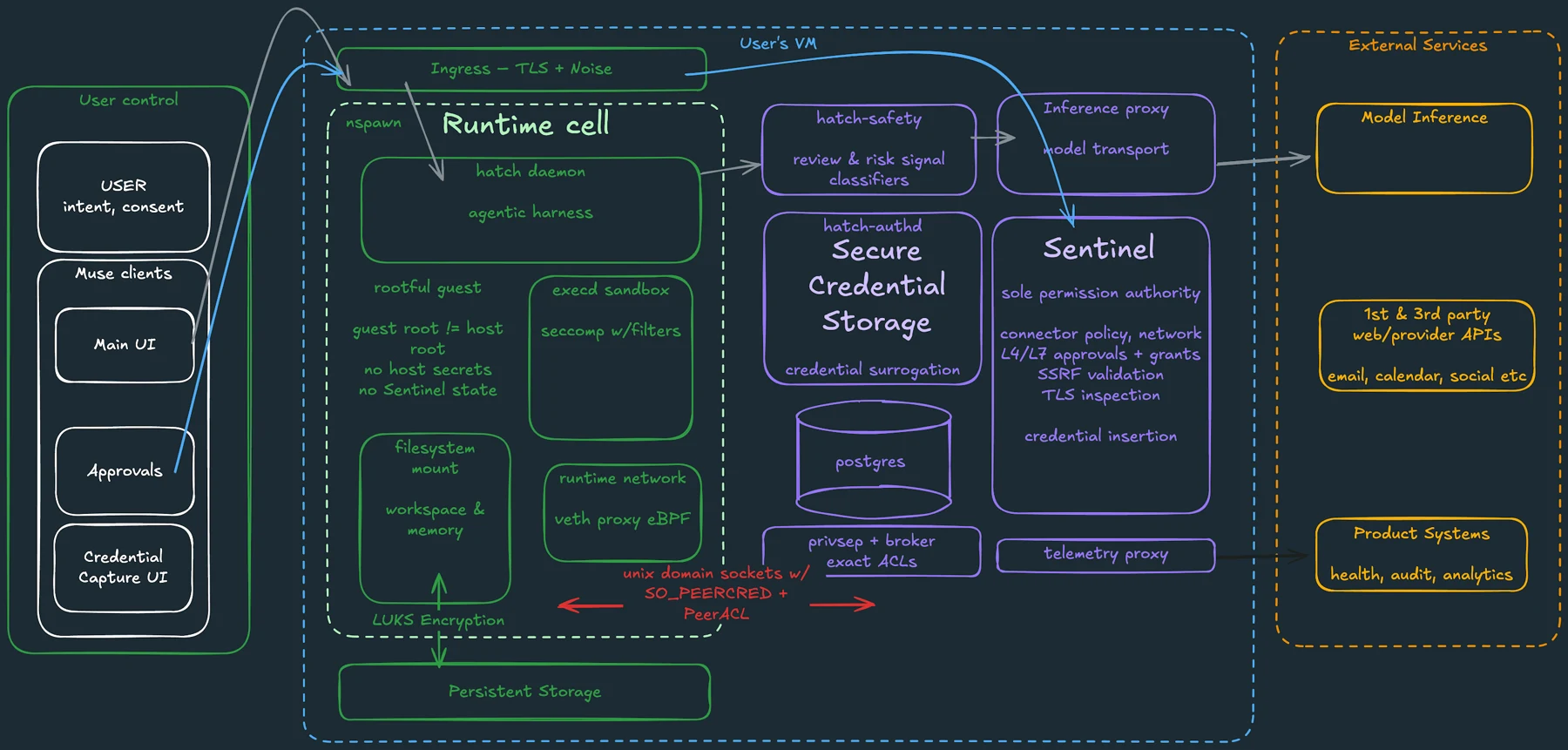
The short answer
Disconnect the service in the agent’s connection settings, then review the original service’s third-party access page. Remove the data-access grant you intend to revoke, rather than only disabling sign-in. Finally, review stored chats, memory and scheduled tasks, which may remain after the connection ends.
Side by side
| Your situation | Useful route | Check before choosing |
|---|---|---|
| Stop a recurring job | Cancel or pause the task | Connection may remain active |
| Stop new data reads | Remove the account-access grant | Sign-in removal may be different |
| Remove retained context | Review memory and history | Follow current retention policy |
First identify what you are trying to stop
There are several possible goals: stop a recurring task, prevent new account reads, prevent sending or editing, remove saved information, or close the agent account. They are related but not interchangeable. Write down which outcome you need before clicking a broadly labeled disconnect button.
For an ordinary cleanup, start with the active workflow and its connections. If a task has already sent a message or modified a document, revoking access does not reverse that action. Use the original service to inspect and address the completed change.
Image source and original context
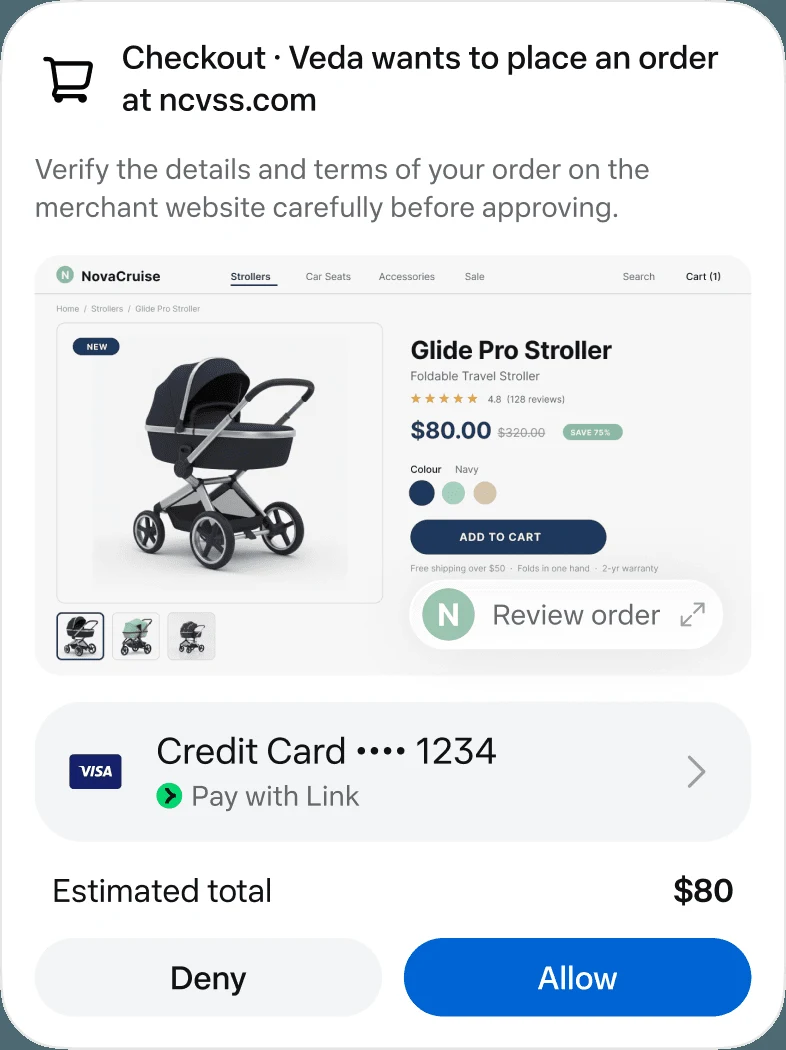
Disconnect inside the agent
Open the agent’s connected-app or integration settings and locate the correct service and account. If the product offers separate read and action permissions, inspect both. Remove the connection you no longer need and cancel or pause the related recurring assignment where the product supports it.
Anthropic’s Duet guide says connections can be managed through Claude settings. It also states that disconnecting stops future access while memory from earlier conversations can remain. That is a useful reminder to treat connection cleanup and information cleanup as two separate passes.
Then review the source account
For Google data access, open the Google Account linked-apps page for the correct account. Choose the app under access to your Google Account, open See details, review its grant, then use Remove access and confirm. This addresses the third-party app’s access to Google data.
Stop using Sign in with Google removes a login relationship instead. Google’s Agent access controls concern Gemini/Google-agent interactions with linked apps, and removing that permission does not by itself disconnect the underlying Google account link. Choose the relationship that matches the access you want to stop.
Review history, memory and exported copies
Return to the agent and inspect the project or conversation that used the connection. Decide whether to retain the result, remove saved memory or delete the conversation. If you need a record, save the useful output before taking an irreversible deletion action.
Do not assume that clearing a visible thread removes every server-side copy immediately. Retention and backup handling depend on the provider’s current policy. If complete account deletion is your goal, use that provider’s documented route and review any separate billing relationship as well.
Confirm two outcomes separately
First verify that the service is disconnected in the agent and that the relevant data-access grant is absent in the source account. Then inspect the agent’s scheduled work, history and memory. A task may remain listed even after its connector stops working.
For Duet, the official guide explicitly says past memory can remain after disconnection. To stop past-chat searching, it documents Search and reference chats in Settings > Your Claude, or Settings > Memory in the older layout. That is a different control from deleting a source account’s access grant.
Limitations & considerations
- Check current access and purchase terms for your country and account before paying.
Use the linked official pages for current platform, access and purchase conditions.
Sources & scope
Reviewed October 24, 2026. Product facts follow the linked provider documentation. Selection advice and example prompts are iApp4Me editorial guidance. Screenshots and provider examples are credited beside each image. Availability and plan terms are dated October 24, 2026.
- Anthropic: get started with Claude Duet
Eligibility, setup, connectors and current preview limits.
- Google: manage linked apps and agent permissions
Distinguishes sign-in, data access and agent permissions.
No comments yet. Be the first to share your experience.