How-to guide
Oct 25, 2026
Try Preview first for reading, page assembly, basic markup, visible signatures, supported image conversion and simple cutouts. Install another tool when the requirement is original-content editing, dependable OCR output, specialized signing, library management, advanced design or repeatable production work.
How-to guide
Oct 25, 2026
Preview is more than a file viewer. Start here for everyday PDF and image work, then use the task chapters for the exact workflow. Install another app when the job needs capabilities such as original PDF-content editing, controlled OCR output, advanced design or managed document workflows.
How-to guide
Oct 25, 2026
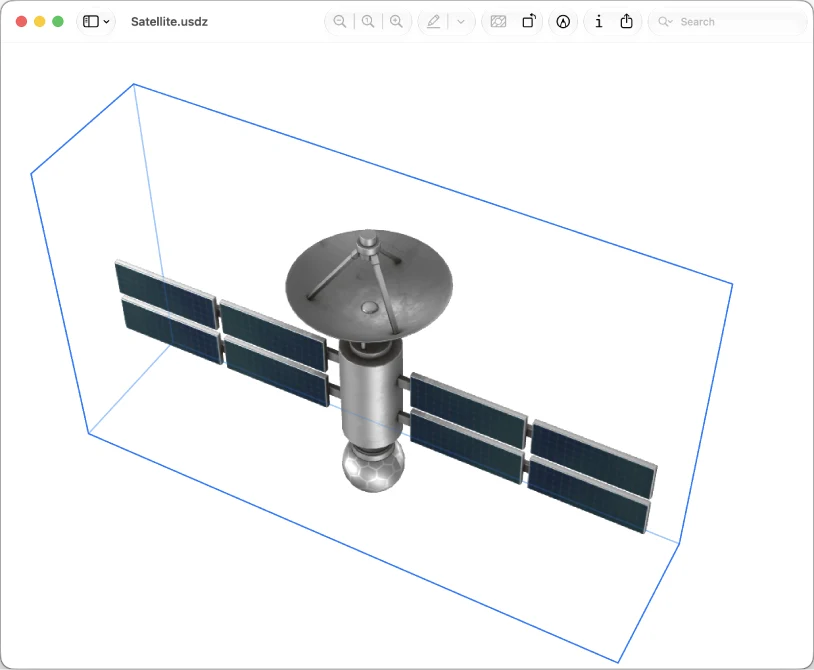
Preview is useful for inspecting file information, recovering available document versions, processing a small selected image set and viewing supported 3D files on current systems. None of those features turns it into a full archive, automation engine or 3D authoring suite.
How-to guide
Oct 25, 2026
Preview can print selected pages, arrange pages on a sheet and export supported files. It can also work with supported scan/import routes. Decide whether you need a physical print, a flattened viewing copy or a reusable source before choosing the command.
How-to guide
Oct 25, 2026
Search an existing text PDF with Preview’s Find controls and use Live Text for supported images. If you need a persistent searchable scan, batch recognition or layout-preserving Word conversion, verify that exact output or use a dedicated OCR/conversion tool.
How-to guide
Oct 25, 2026
Export a separate PDF with Preview’s Reduce File Size filter, then compare the saved file with the original. Keep the smaller copy only if the text, diagrams and required fields remain usable.
How-to guide
Oct 25, 2026
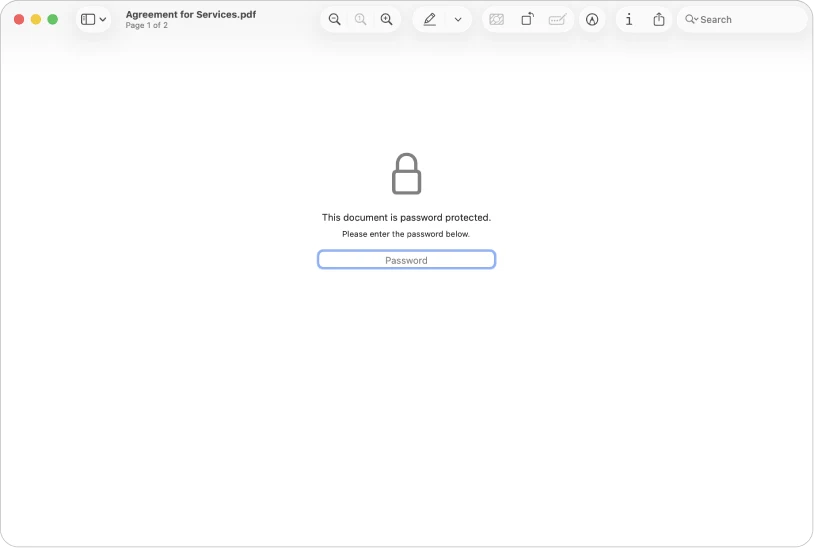
Use the actual Redaction Selection tool for supported text removal, not a black rectangle or crop. Use PDF password settings when the recipient needs restricted opening. Verify the saved copy; Preview is not a complete document-sanitation or managed-signing system.
How-to guide
Oct 25, 2026
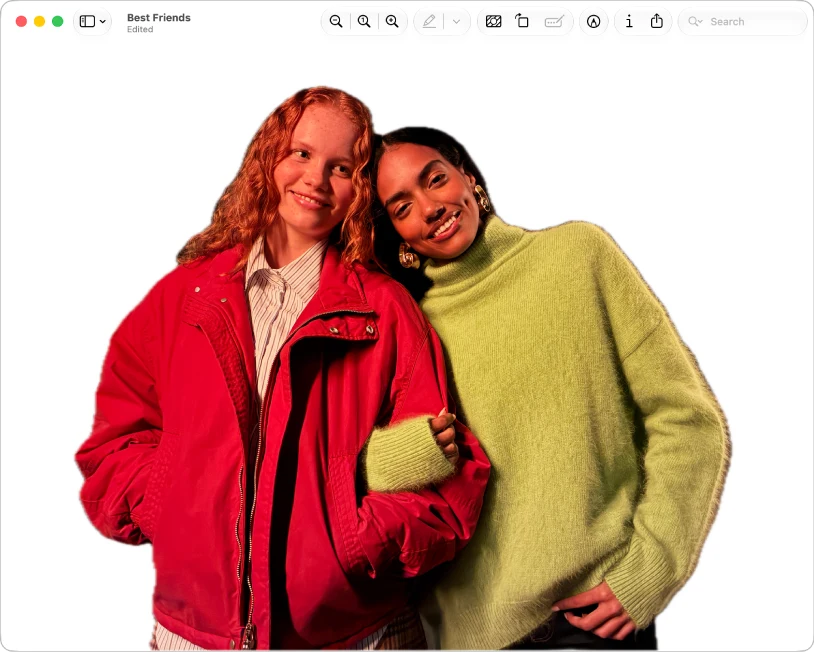
Use Preview for basic image geometry, format conversion, simple markups and supported background removal. Decide the required pixels, transparency and output format first. Move to a dedicated editor for layers, precise masks, restoration or complex design.
How-to guide
Oct 25, 2026
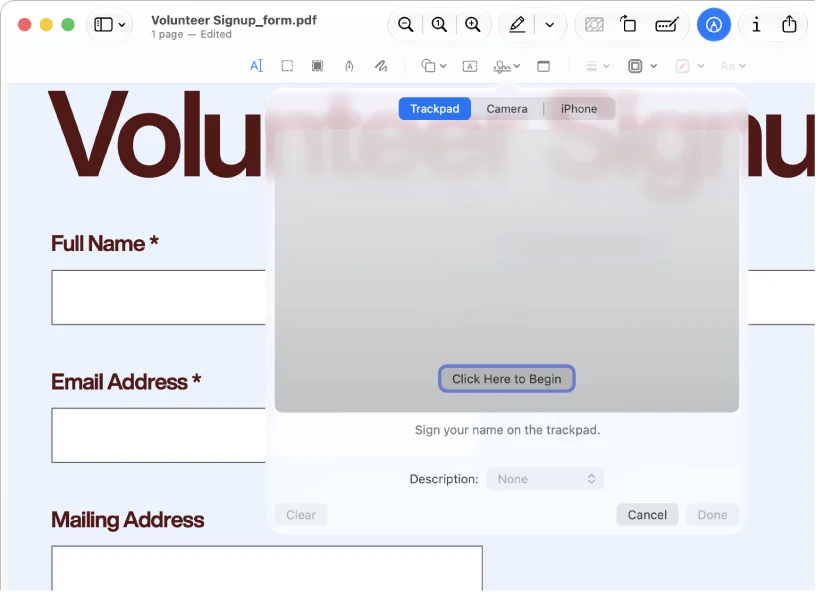
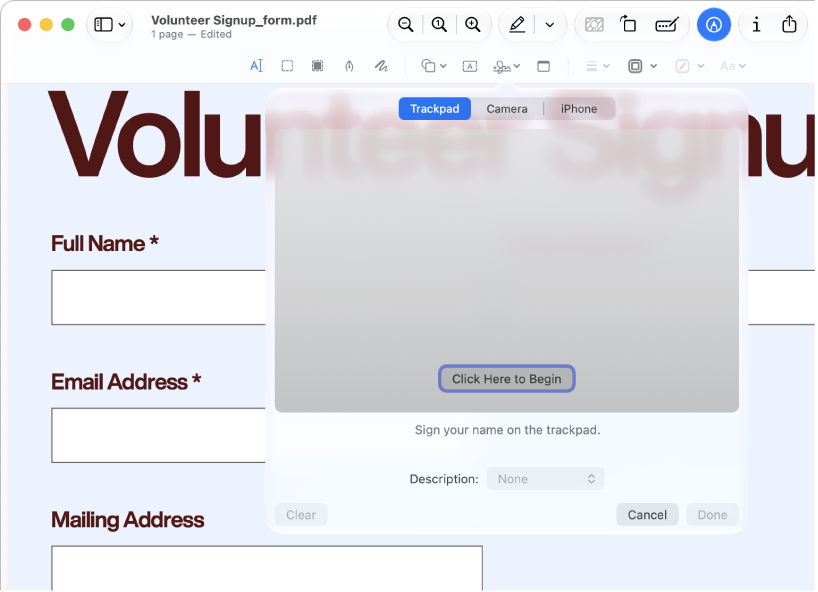
Preview can fill supported form fields, place text boxes and visible signatures, and add reading annotations. It cannot edit the existing body text of a PDF. Keep an editable working copy and inspect the saved result in the viewer the recipient uses.
How-to guide
Oct 25, 2026
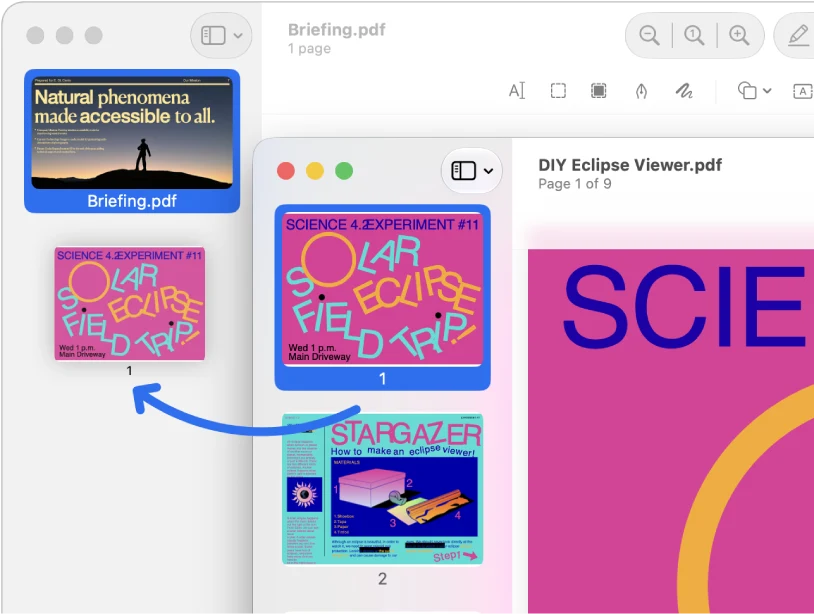
Use Preview’s thumbnail sidebar to assemble and rearrange PDF pages. Duplicate the originals first, then verify the saved packet. Page operations can replace a simple merger or splitter; they do not turn Preview into a full content editor.
How-to guide
Oct 25, 2026
Keep the original, compare actual byte sizes and stop processing the larger copy. Preview’s filter can produce an unhelpful result; use a new candidate from the original, a better source scan, an accepted split or a more configurable compressor.
 Step-by-step guide
How-to guide
Oct 24, 2026
For a simple page subset, select the required thumbnails in Preview, open Print, verify that only the selected pages are included and use the PDF save option to create a new file. Keep the original; printing a PDF is not a guarantee that every interactive feature survives.
 Preview
 Step-by-step guide
Alternatives
Oct 24, 2026
If you are leaving Acrobat, replace the specific job rather than the entire brand. Preview can cover basic markup and page work, PDFgear is a documented free original-text editor candidate, PDF Expert offers an Apple-focused paid workflow, and focused converters serve a different content-reuse task.
 PDFgear
 Adobe Acrobat Reader
App comparison
Oct 24, 2026
Investigate PDFgear for a Mac editing requirement its free desktop documentation covers. Keep Acrobat Reader for free reading and markup when that is sufficient; consider paid Acrobat when a specific Adobe editing or document workflow is required. This is not a quality or security ranking.
Preview Step-by-step guide
Best apps
Oct 24, 2026
Start with Preview for ordinary annotations and page work. Consider PDFgear for documented free original-text editing, PDF Expert for an Apple-focused paid editing workflow, and paid Acrobat for requirements already tied to Adobe. Use a converter only when reusable content, rather than an edited PDF, is the deliverable.
Preview Step-by-step guide
How-to guide
Oct 24, 2026
If you need an original embedded picture, use a tool that explicitly extracts PDF images and inspect its saved output. If you need the appearance of a page, Preview can export a page to an image format. Those are different results; neither a screenshot nor a page export establishes original-image fidelity.
PDFgear  Step-by-step guide
How-to guide
Oct 24, 2026
On supported current iOS releases, Preview can insert a PDF from a file into an open PDF through its page-thumbnail controls. For a dedicated multi-file workflow, PDFgear documents an iPhone merger. Choose the route available on your device and verify order and output; no merge-quality winner is declared here.
 PDF Extractor
 Step-by-step guide
How-to guide
Oct 24, 2026
If words cannot be selected because the PDF is a scan, use OCR. Current Preview documentation includes an Embed Text option when exporting PDF; Camera Live Text can help with a short physical passage. Neither extracting embedded pictures nor taking a screenshot by itself creates reliable editable text.
Step-by-step guide
Best apps
Oct 24, 2026
Use Preview for annotations, forms and ordinary page assembly. Consider PDFgear for Mac when you need to change existing PDF text: its current Mac documentation describes that feature as free. PdfCraft is another page-workbench candidate. These recommendations follow documented scope, not a same-file editing benchmark.
 Scanner Pro
 Step-by-step guide
Best apps
Oct 24, 2026
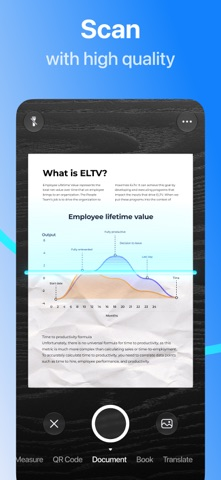
For basic document scanning without adding another scanner app or subscription, start with Files or Notes on iPhone. Preview also provides document scanning on supported iOS versions. These are the first routes to consider; this is not an independently audited ranking of third-party ad-free scanners.
PDF Extractor Step-by-step guide
How-to guide
Oct 24, 2026
Choose Markdown for text-first notes, HTML for content you need to inspect in a browser, and RTF for formatted text exchange. PDF Extractor 1.02 lists all three. Pick the format for the next editing tool, not as a shortcut to an identical copy of a PDF page.
PDF Extractor Step-by-step guide
How-to guide
Oct 24, 2026
Use PDF Extractor 1.02 or later to convert a PDF into a .docx document, then open that file in your preferred Word-compatible editor. Treat conversion as the start of editing: keep the PDF and check the saved result before relying on it.
PDF Extractor vs  PDF Expert
App comparison
Oct 24, 2026
Start with PDF Extractor for focused document recovery without a subscription. Consider PDF Expert when you also want an Apple-focused PDF editor, iLovePDF for a wider utility toolkit, and Acrobat when an existing Adobe workflow already meets the job. None is declared the most accurate converter here.
PDF Extractor Step-by-step guide
How-to guide
Oct 24, 2026
PDF Extractor 1.02 adds document conversion and extends its stated workflow to Mac as well as iPhone and iPad. Its useful new role is recovering content you want to edit—not replacing a complete PDF editor.
PDF Extractor Step-by-step guide
How-to guide
Oct 24, 2026
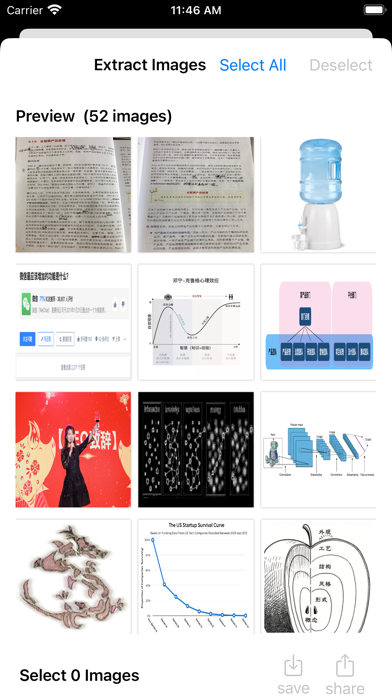
Open a PDF, choose image extraction, inspect the recovered pictures and export the selection. Version 1.02 lists an allowance of 20 supported images before full access. This guide remains an iPhone/iPad method; the app also lists Mac support, but those controls have not been reproduced here.
PDF Extractor vs  iLovePDF
App comparison
Oct 24, 2026
Compare the required output first. PDF Extractor 1.02 now describes Mac/iPhone/iPad content recovery and editable-document conversion; iLovePDF offers a broader toolkit. The image sample below used PDF Extractor 1.01, not 1.02, and is not a Word-conversion comparison.
PDF Expert vs Adobe Acrobat Reader
App comparison
Oct 18, 2026
Choose PDF Expert for an Apple-focused document workspace with annotation and paid editing. Choose Acrobat Reader for basic reading, commenting and signing within the Adobe ecosystem, with paid mobile tools available separately. Match the exact platform and plan before paying.
Scanner Pro Step-by-step guide
How-to guide
Oct 18, 2026
Capture the document, review the image, enable the appropriate OCR language and export a PDF. Reopen it elsewhere and search a known phrase. Our current workflow is sourced from Readdle documentation, not a completed device test.
PDFgear Step-by-step guide
How-to guide
Oct 18, 2026
According to PDFgear’s iOS guide, open Tools → Merge PDFs, add the documents, arrange their order and merge. The saved PDF appears highlighted in Files; open it before sharing.
 PDF Easy Combiner