How-to guide
Oct 25, 2026
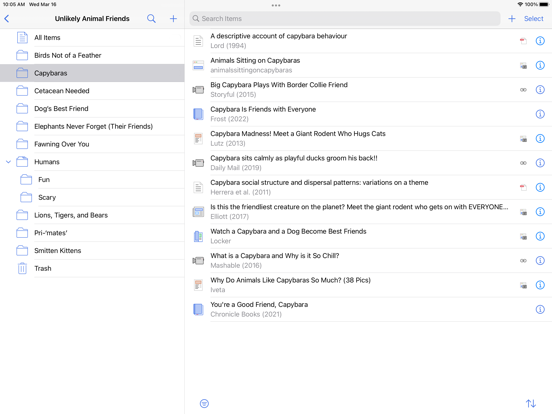
Save a paper into Zotero, open its stored attachment, annotate it and verify the destination you need. A visible reference record is not proof that its PDF has downloaded; sharing a file and syncing Zotero annotations are separate workflows.
 LumaFusion
 Step-by-step guide
How-to guide
Oct 18, 2026
Start with three short clips, one title and a defined export target. Follow the linked LumaFusion reference guide for import, assembly and export, then check the finished movie outside the editor.
 PDF Extractor
 Step-by-step guide
How-to guide
Oct 24, 2026
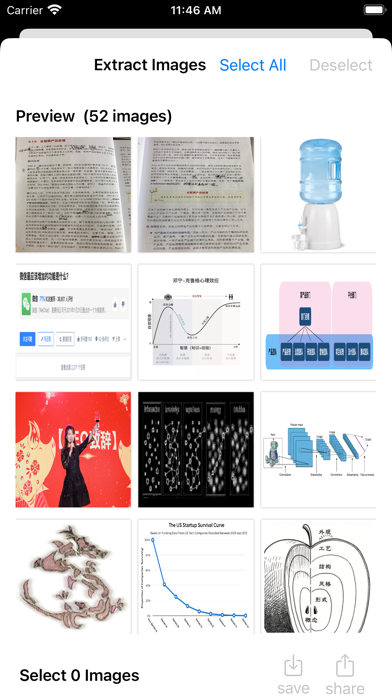
Open a PDF, choose image extraction, inspect the recovered pictures and export the selection. Version 1.02 lists an allowance of 20 supported images before full access. This guide remains an iPhone/iPad method; the app also lists Mac support, but those controls have not been reproduced here.
 TinyStudio
 Step-by-step guide
How-to guide
Oct 18, 2026
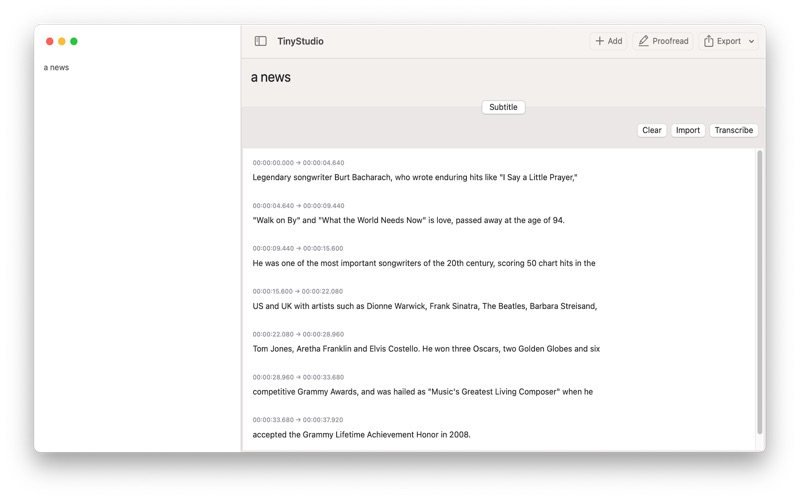
Use this draft as a preparation and verification checklist for a TinyStudio subtitle run, not a claim that we have executed the latest app. The intended result is a corrected, timed subtitle file that plays with your video.
 PDFgear
 Step-by-step guide
How-to guide
Oct 18, 2026
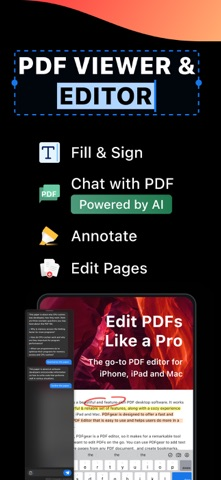
According to PDFgear’s iOS guide, open Tools → Merge PDFs, add the documents, arrange their order and merge. The saved PDF appears highlighted in Files; open it before sharing.
How-to guide
Oct 25, 2026
Export a separate PDF with Preview’s Reduce File Size filter, then compare the saved file with the original. Keep the smaller copy only if the text, diagrams and required fields remain usable.
 GoodLinks
 Step-by-step guide
How-to guide
Oct 18, 2026
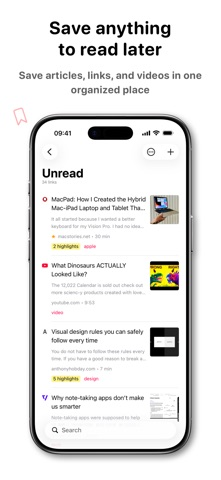
Use the GoodLinks share extension to save an article you can access, inspect the saved body, then reopen that copy offline before relying on it. These steps follow the official saving instructions.
 Scanner Pro
 Step-by-step guide
How-to guide
Oct 18, 2026
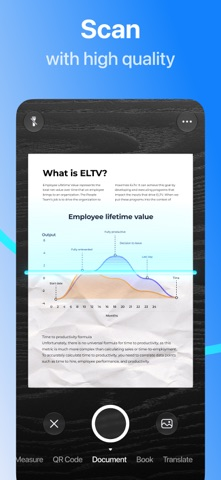
Capture the document, review the image, enable the appropriate OCR language and export a PDF. Reopen it elsewhere and search a known phrase. Our current workflow is sourced from Readdle documentation, not a completed device test.
 NetNewsWire
 Step-by-step guide
How-to guide
Oct 18, 2026
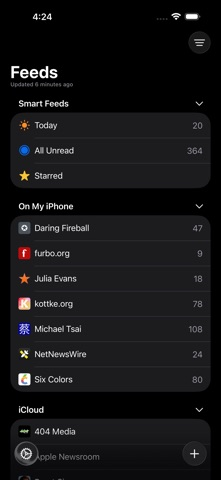
Add a website or direct feed address, choose the intended account and folder, then check that items arrive. The linked detailed help targets 6.1, while the current listing is version 7; use the equivalent controls in your installed version.
 MacWhisper
 Step-by-step guide
How-to guide
Oct 18, 2026
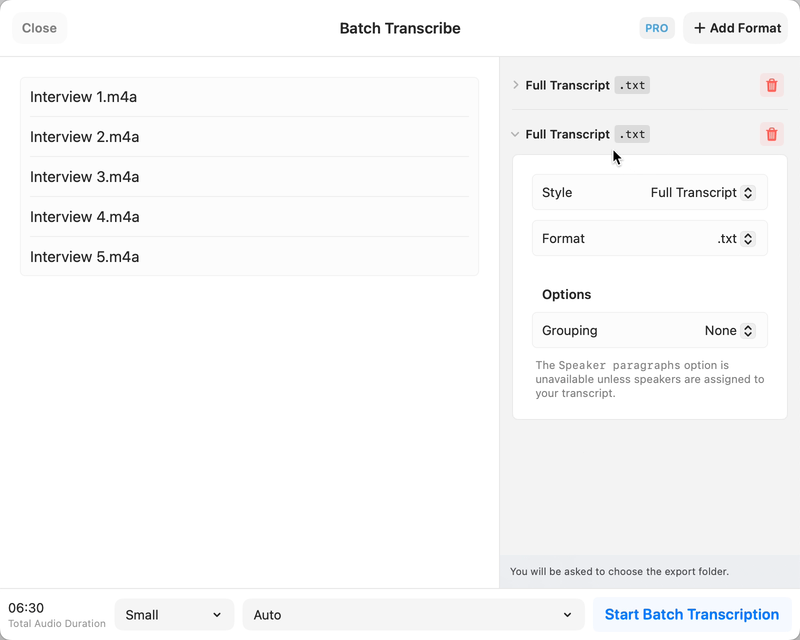
Choose a local model for a local interview workflow, leave optional cloud actions disabled, and review names and speaker turns against the recording. MacWhisper’s official documentation describes the workflow; optional integrations are separate processing choices.
PDF Extractor Step-by-step guide
How-to guide
Oct 24, 2026
PDF Extractor 1.02 adds document conversion and extends its stated workflow to Mac as well as iPhone and iPad. Its useful new role is recovering content you want to edit—not replacing a complete PDF editor.
PDF Extractor Step-by-step guide
How-to guide
Oct 24, 2026
Use PDF Extractor 1.02 or later to convert a PDF into a .docx document, then open that file in your preferred Word-compatible editor. Treat conversion as the start of editing: keep the PDF and check the saved result before relying on it.
PDF Extractor Step-by-step guide
How-to guide
Oct 24, 2026
Choose Markdown for text-first notes, HTML for content you need to inspect in a browser, and RTF for formatted text exchange. PDF Extractor 1.02 lists all three. Pick the format for the next editing tool, not as a shortcut to an identical copy of a PDF page.
 PetaNote
 Step-by-step guide
How-to guide
Oct 18, 2026
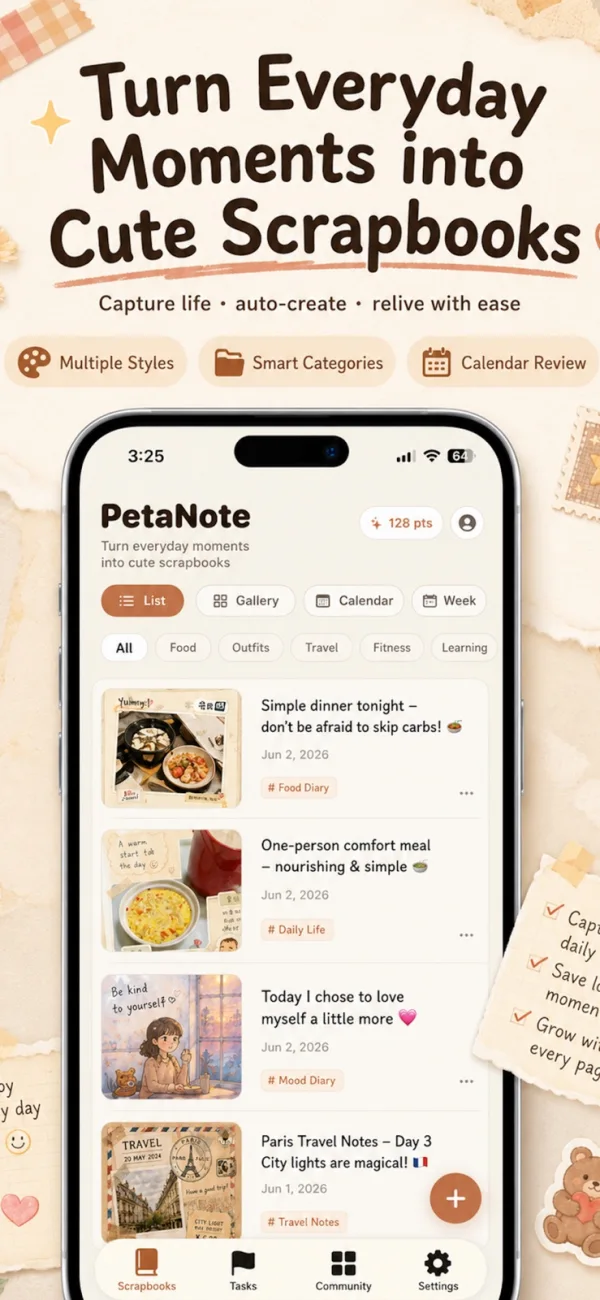
PetaNote documents a photo-and-note workflow for generating a scrapbook-style image. Start with one event, provide the details that matter, review the result and save a copy. This guide explains that method; the task overview compares it with manual layouts and photo diaries.
PDF Extractor Step-by-step guide
How-to guide
Oct 24, 2026
If words cannot be selected because the PDF is a scan, use OCR. Current Preview documentation includes an Embed Text option when exporting PDF; Camera Live Text can help with a short physical passage. Neither extracting embedded pictures nor taking a screenshot by itself creates reliable editable text.
 Apple Books
 Step-by-step guide
How-to guide
Oct 24, 2026
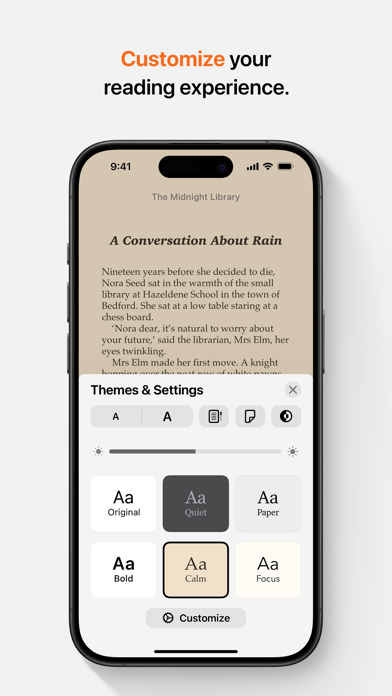
Save the EPUB to your iPhone or iCloud Drive, locate it in Files and open it with Books. Apple documents this route for EPUB files exported from Pages. For a third-party book, confirm that you have an actual EPUB file and that its access restrictions permit the reader you are using.
 Step-by-step guide
How-to guide
Oct 24, 2026
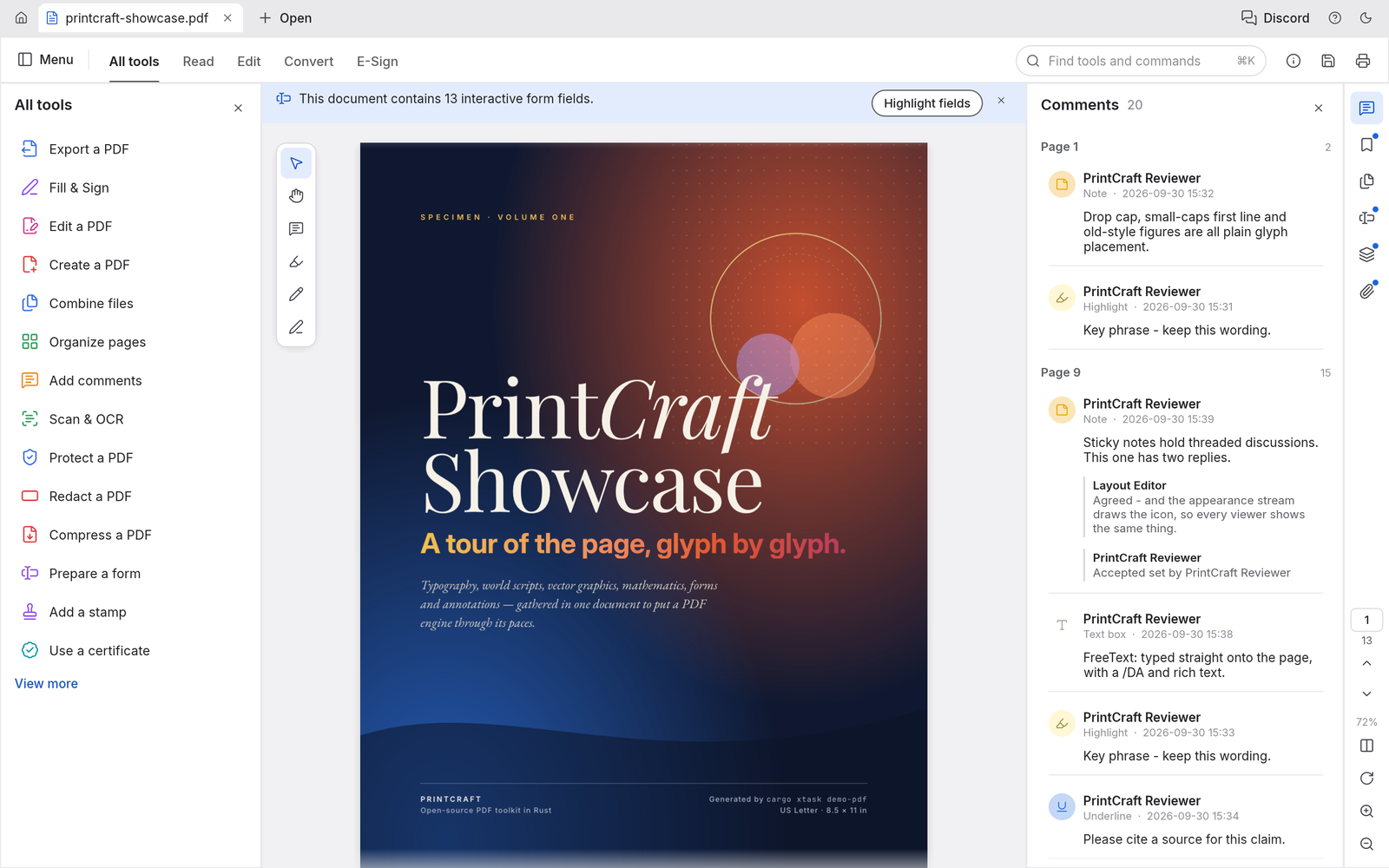
For a simple page subset, select the required thumbnails in Preview, open Print, verify that only the selected pages are included and use the PDF save option to create a new file. Keep the original; printing a PDF is not a guarantee that every interactive feature survives.
PDFgear Step-by-step guide
How-to guide
Oct 24, 2026
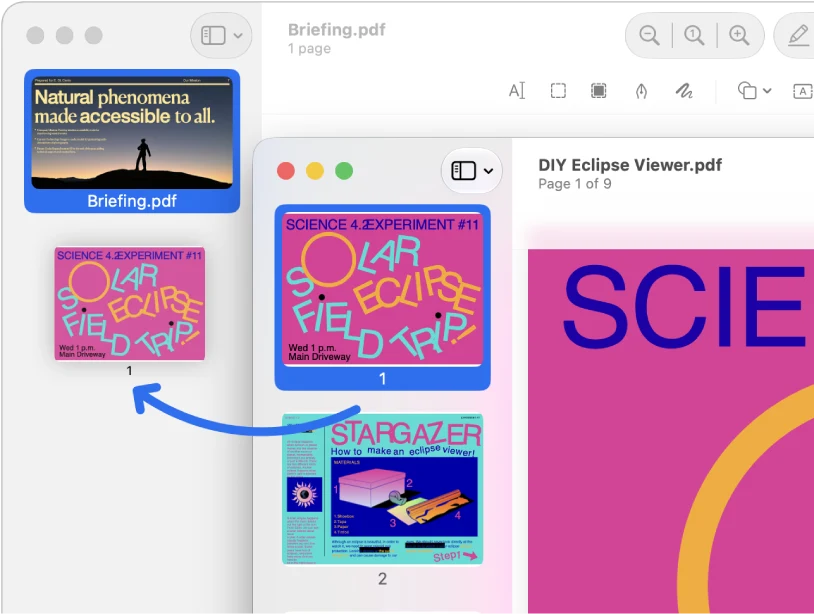
On supported current iOS releases, Preview can insert a PDF from a file into an open PDF through its page-thumbnail controls. For a dedicated multi-file workflow, PDFgear documents an iPhone merger. Choose the route available on your device and verify order and output; no merge-quality winner is declared here.
 Preview
 Step-by-step guide
How-to guide
Oct 24, 2026
If you need an original embedded picture, use a tool that explicitly extracts PDF images and inspect its saved output. If you need the appearance of a page, Preview can export a page to an image format. Those are different results; neither a screenshot nor a page export establishes original-image fidelity.
How-to guide
Oct 24, 2026
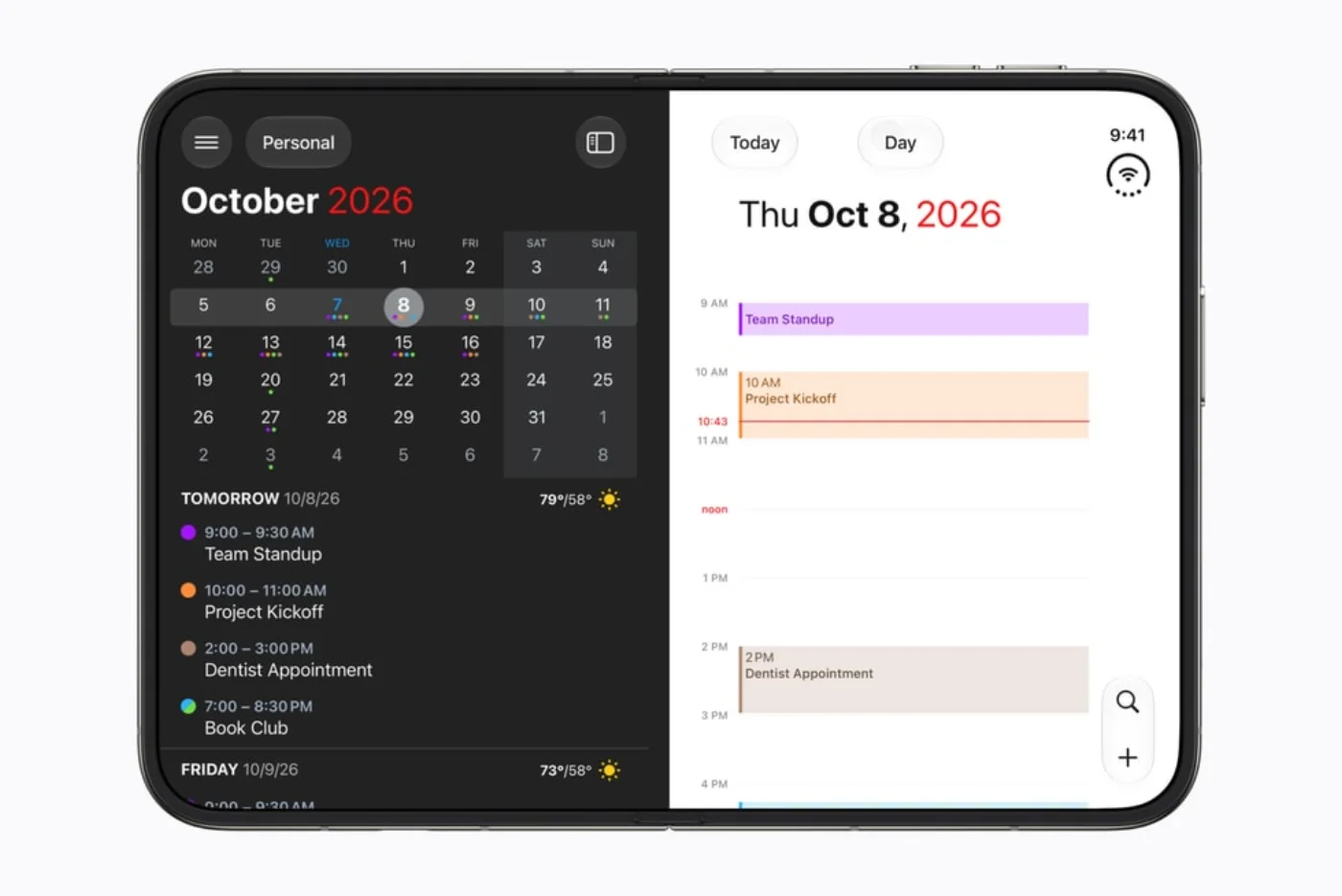
There is no single yes/no definition of Duo-ready. An app may run, adapt to the wider display, or add pose-specific behavior. This tracker separates the evidence for each claim and keeps an announced enhancement distinct from an available release.
How-to guide
Oct 24, 2026
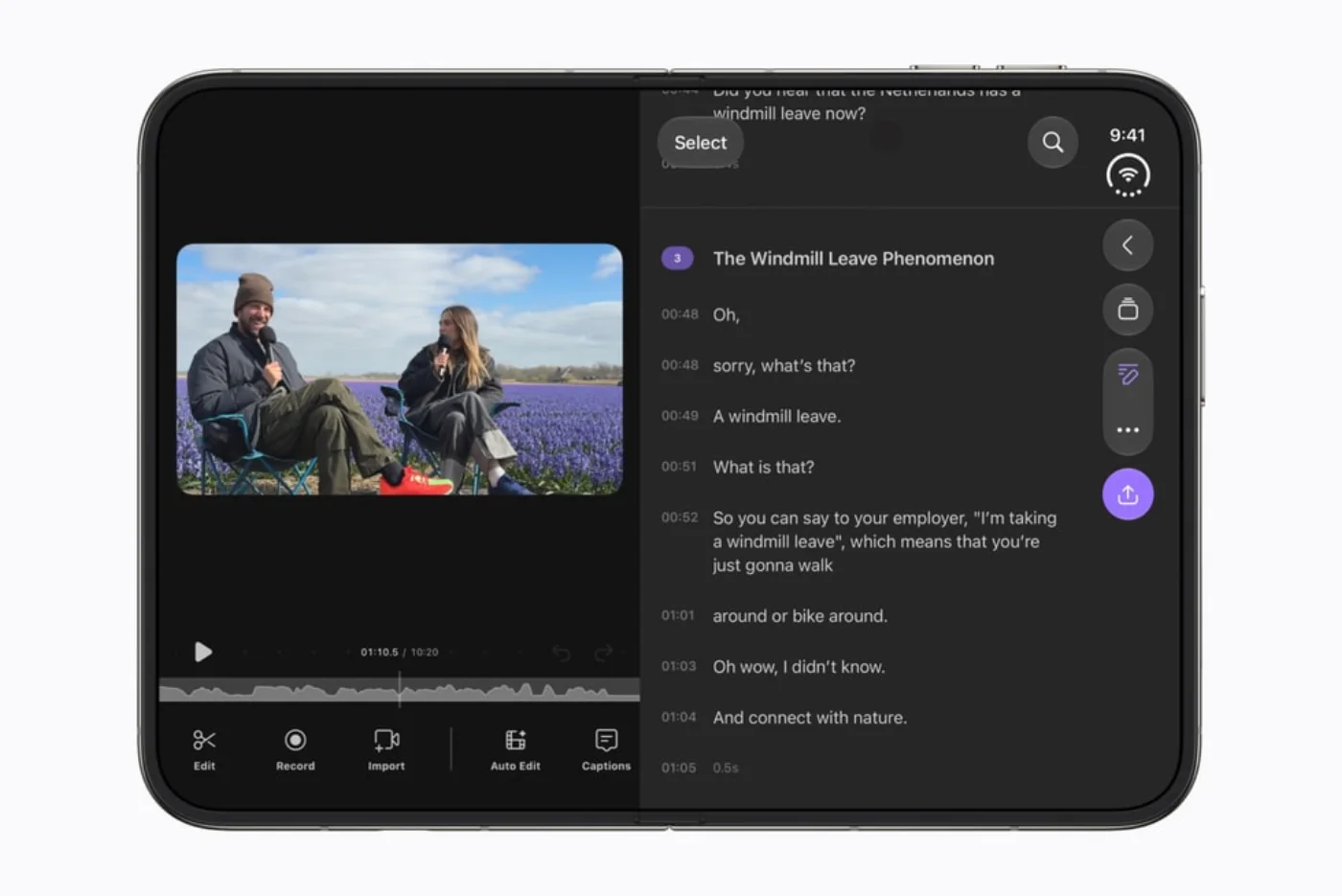
Look for a reason to open, prop up or close the device. An effective layout can keep two useful things visible, leave the device stable on a table, or move information to the display facing the right person. These are sourced examples, not our hands-on findings.
How-to guide
Oct 25, 2026
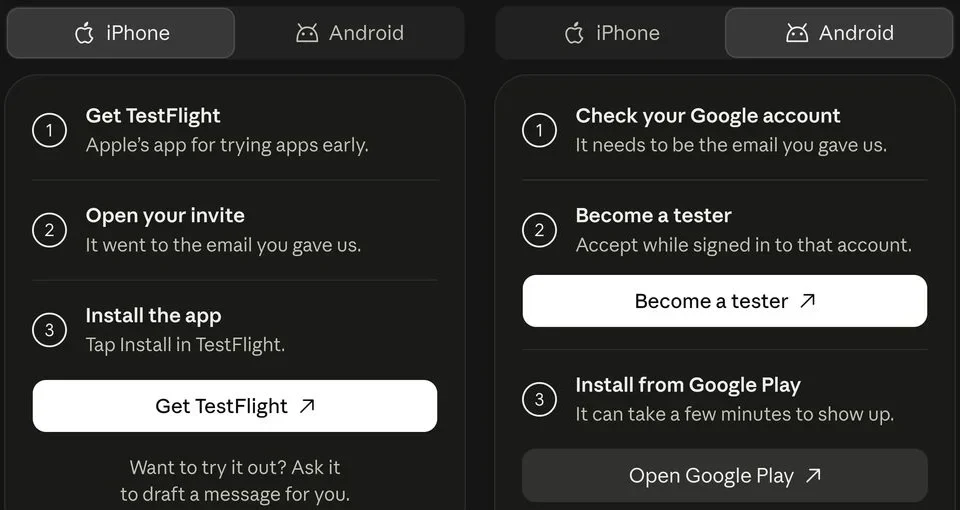
Join the official Claude Duet waitlist with the email used for your Claude account. The checked research preview requires an invited US Pro or Max account. Once invited, follow the provider’s setup link and begin with one small task before adding more connections.
How-to guide
Oct 24, 2026
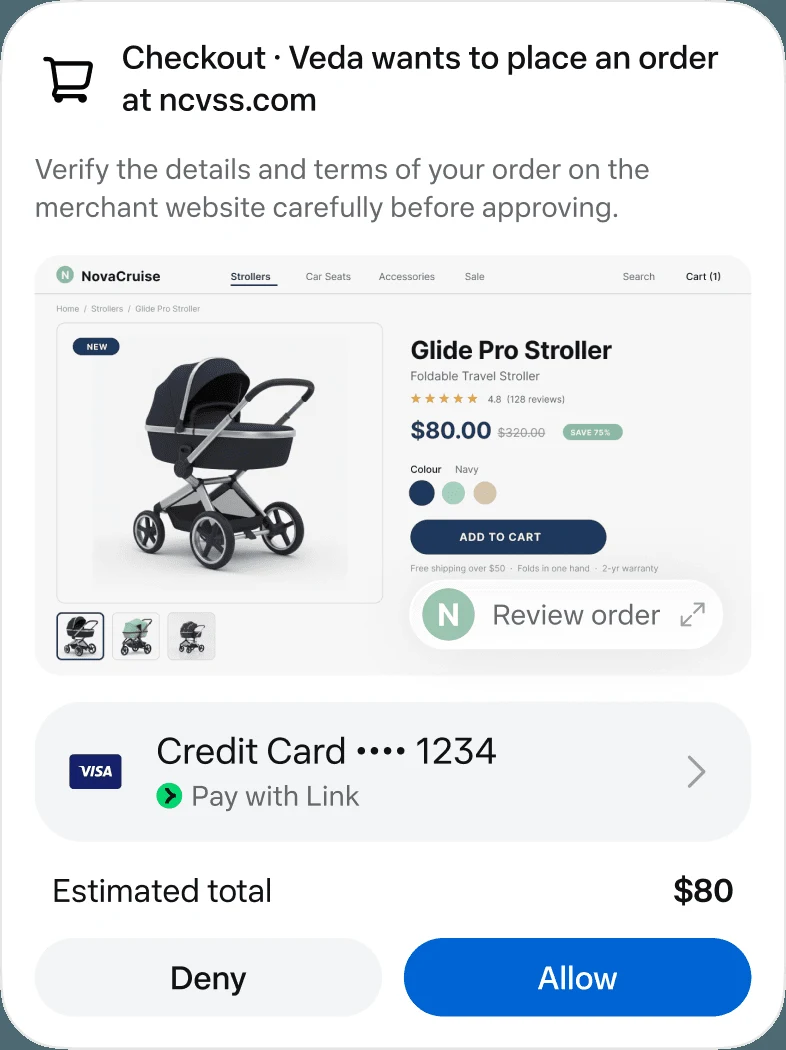
Use Meta’s official Muse entry point, confirm that your region and account can access it, then give it one clearly scoped job. Begin with research or a draft, identify the source apps and keep sending, purchasing and other consequential actions behind an explicit review.
How-to guide
Oct 24, 2026
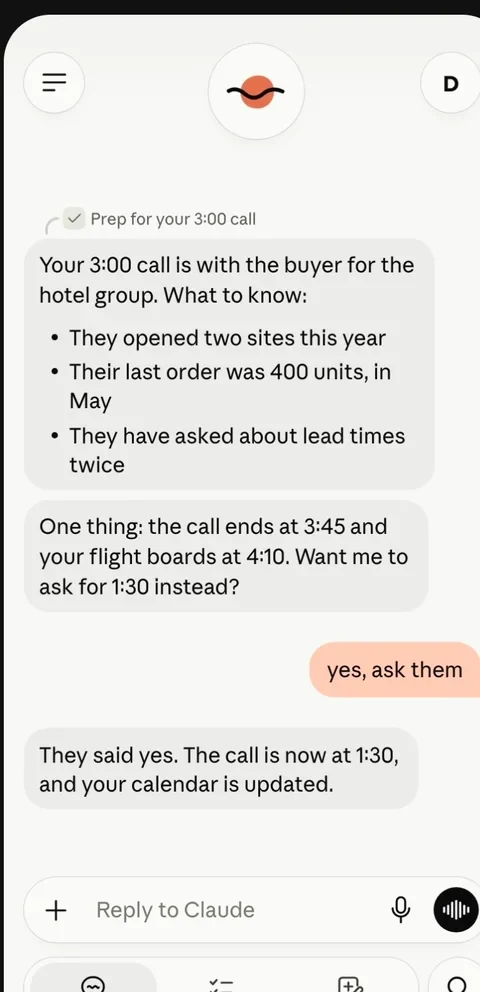
Choose the sources, specify a delivery time and time zone, and ask the agent to prioritize decisions over general summaries. Keep the first briefing read-only. A useful output contains a short priority list, links to the originals and a separate set of proposed actions for your review.
How-to guide
Oct 24, 2026
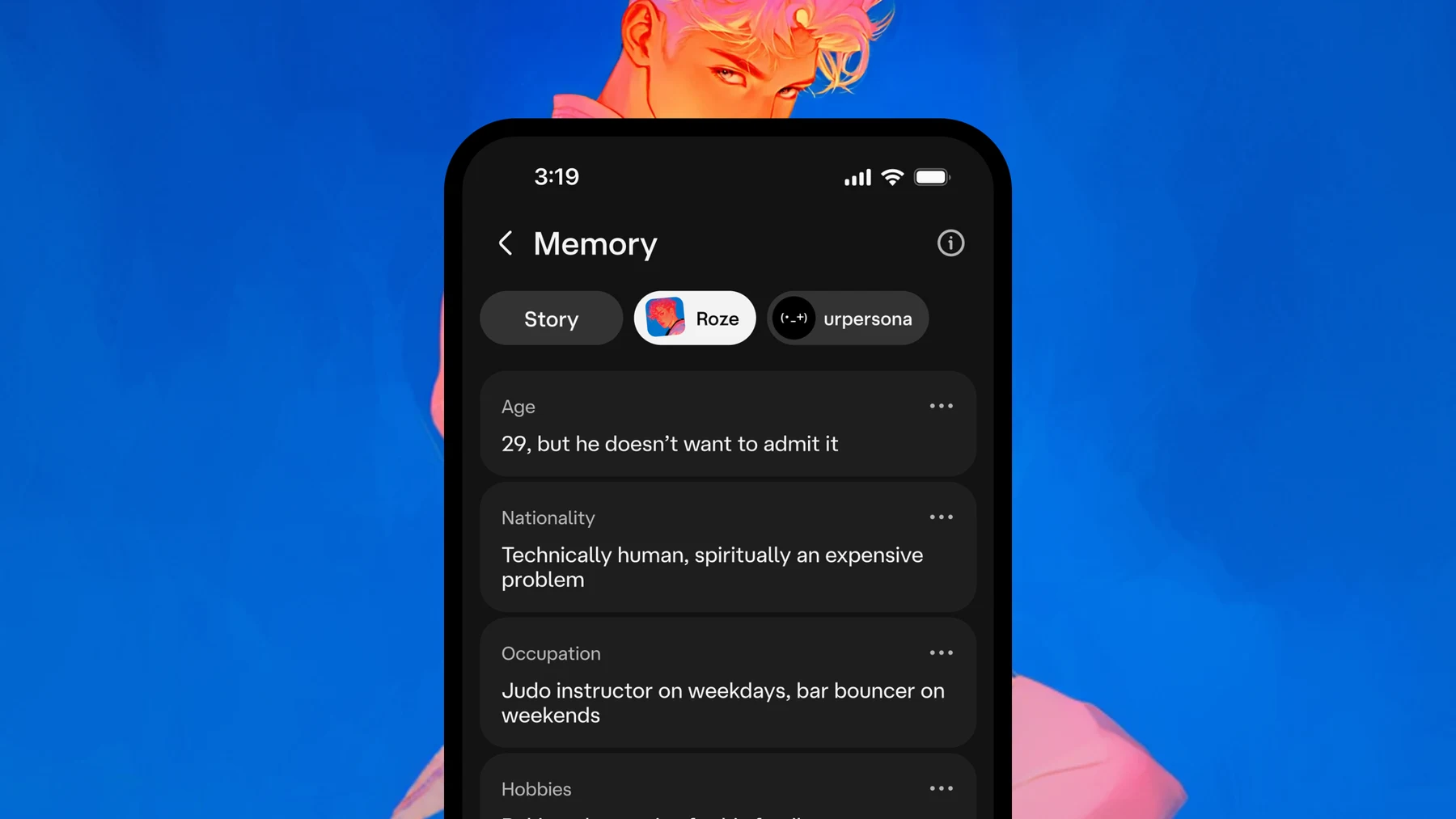
Manage character-chat privacy in three passes: save what you want to keep, review conversation and memory controls, then use the provider’s deletion or account route when needed. Hiding a conversation is not the same as deleting it, and a character’s fictional memory is not an explanation of the service’s data policy.
How-to guide
Oct 24, 2026
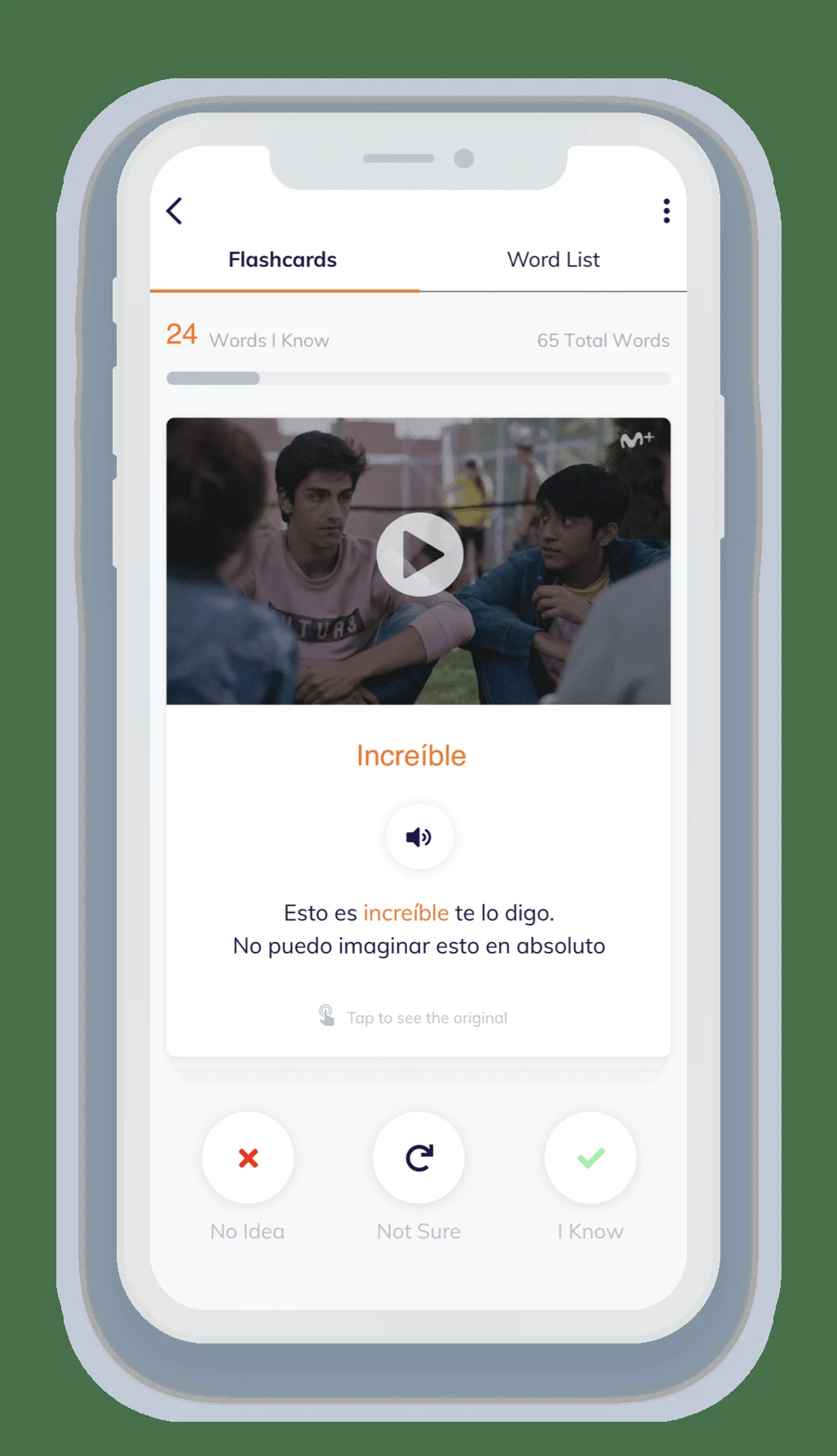
Choose a short Lingopie scene that you can partly understand, watch for the overall meaning, then revisit it with clickable vocabulary and subtitles. Save a small set of useful expressions and return to the flashcards later. Adjust speed when needed, but finish by listening again at a natural pace.
How-to guide
Oct 24, 2026
Mount the iPad securely, face it toward even light, configure a short capture sequence and choose a delivery method before guests arrive. Use a real sample capture to check framing, layout and the final print or download. Prepare a digital fallback if the printer or connection fails.
How-to guide
Oct 24, 2026
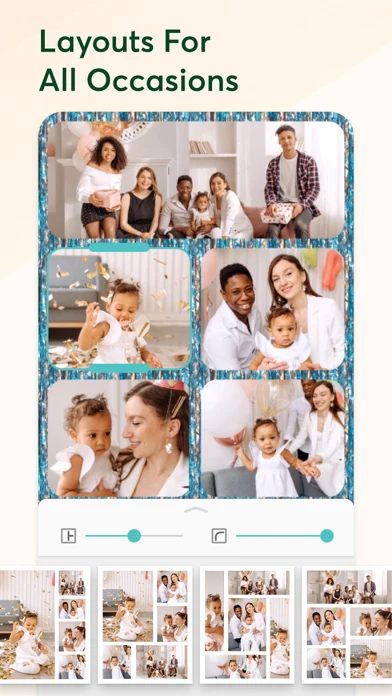
For a simple collage, create a shortcut with Select Photos, enable multiple selection, add Combine Images with the arrangement you want, then add Save to Photo Album. Run it on a few photos and inspect the saved result. Use a design editor such as Canva when you need captions or more flexible layout.
How-to guide
Oct 24, 2026
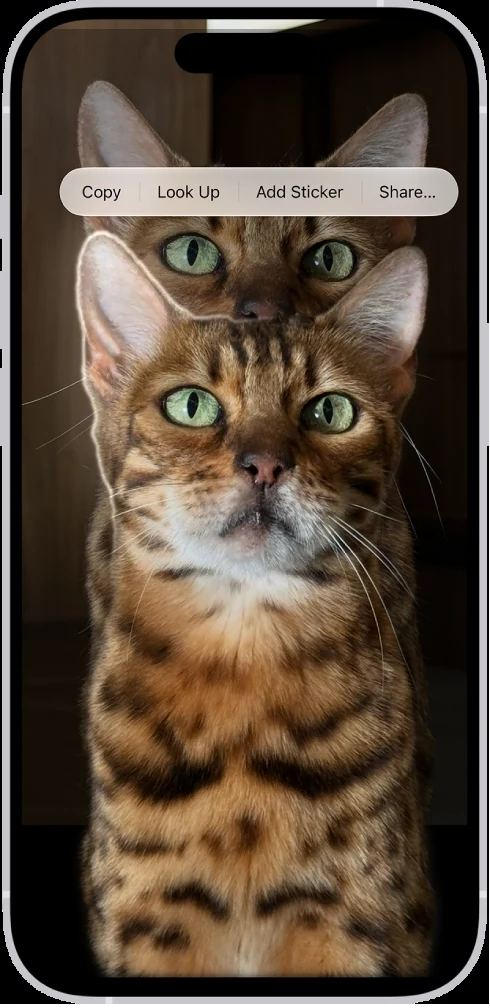
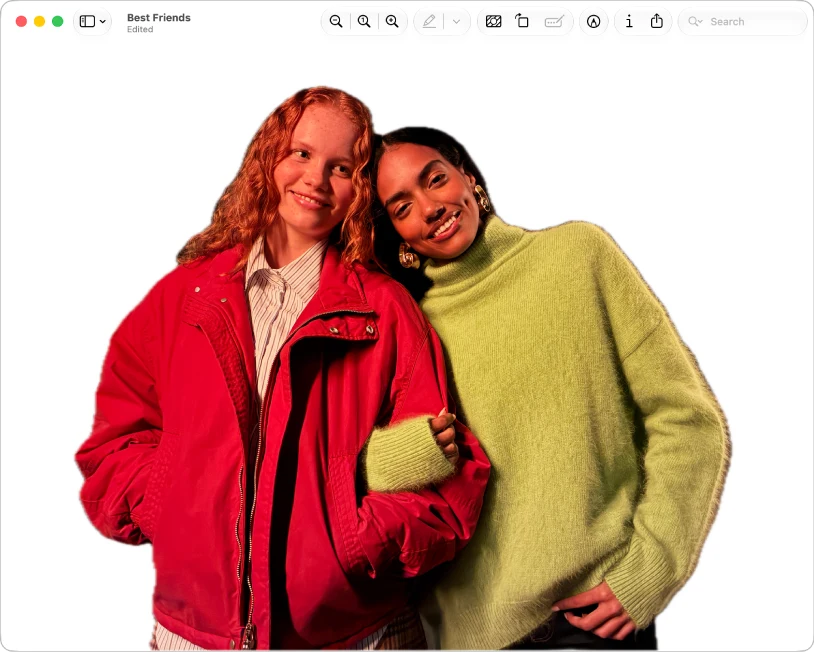
Open a suitable photo full screen, touch and hold its subject, then use the available Copy or Share action. Send the cutout to an app or file workflow that preserves transparency. Open the saved result on a contrasting background; a white preview alone does not establish whether the background is transparent.
How-to guide
Oct 24, 2026
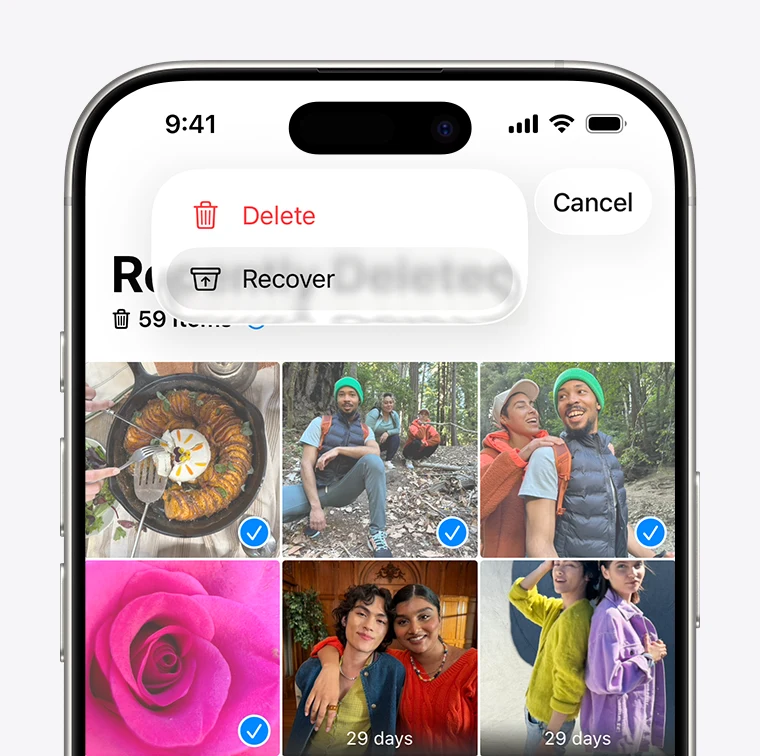
Photo recovery works when an original or usable copy still exists in Recently Deleted, a cloud account, a backup or another storage location. An app’s preview is not proof that it can restore the full original. Start with the phone and cloud service’s own recovery routes before paying for a recovery claim.
How-to guide
Oct 24, 2026
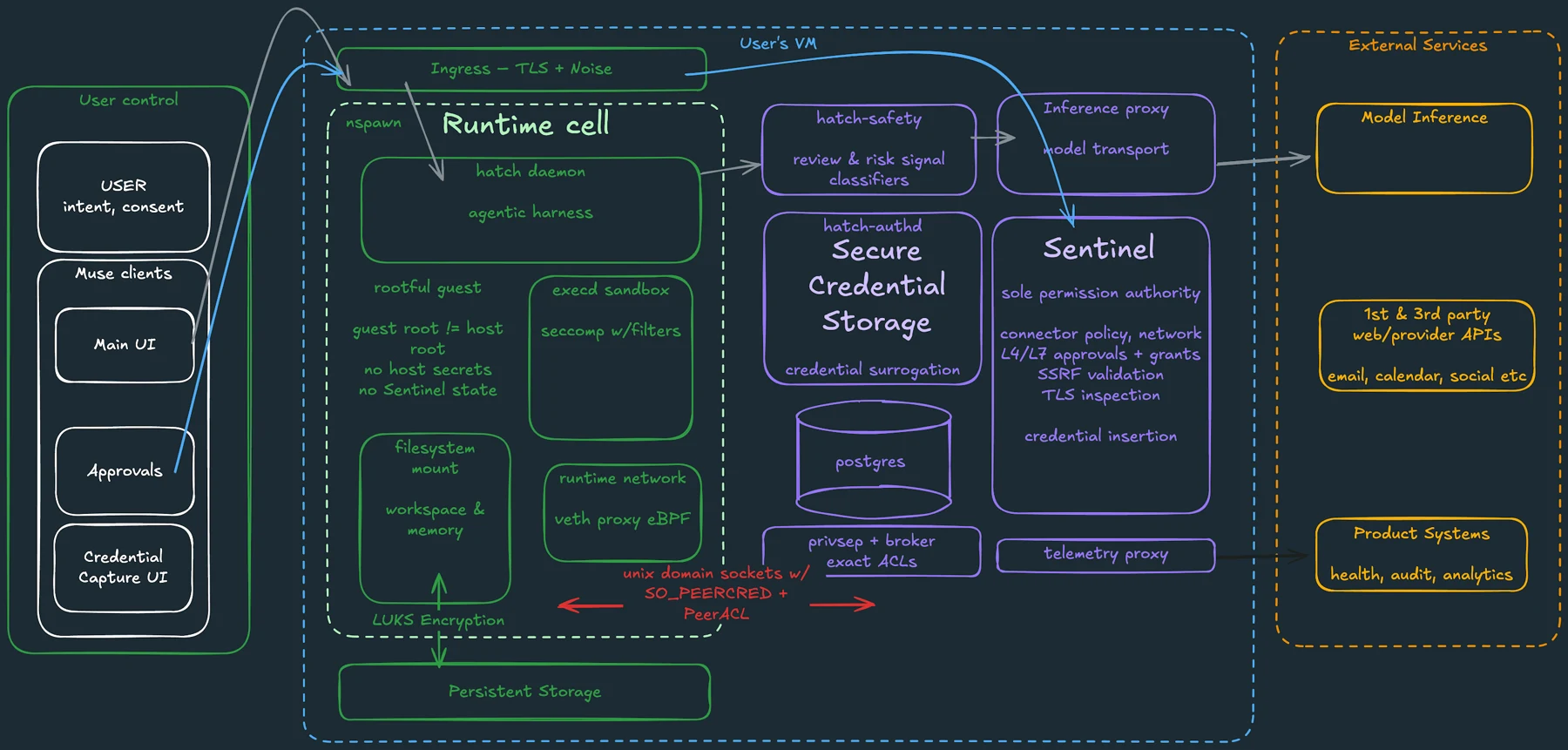
Before connecting an app to an AI agent, identify the account, the information it can read, the actions it can perform and how to revoke access. Start with the smallest scope that can complete the job. Treat permission to read and permission to send, edit or delete as separate decisions.
How-to guide
Oct 24, 2026
Disconnect the service in the agent’s connection settings, then review the original service’s third-party access page. Remove the data-access grant you intend to revoke, rather than only disabling sign-in. Finally, review stored chats, memory and scheduled tasks, which may remain after the connection ends.
How-to guide
Oct 24, 2026
Before giving an agent email access, check which mailbox it can read, what it stores, who processes the information, how permissions are enforced and how you can remove access and retained context. If the task needs only a few messages, supplying those messages may be a better fit than connecting the whole inbox.
How-to guide
Oct 24, 2026
Prompt injection occurs when material an agent reads tries to redirect its behavior. Approval controls can reduce the damage of an unwanted action, but they do not establish that every summary is correct or that every attempted manipulation will be detected. Narrow access and review the exact proposed action.
How-to guide
Oct 24, 2026
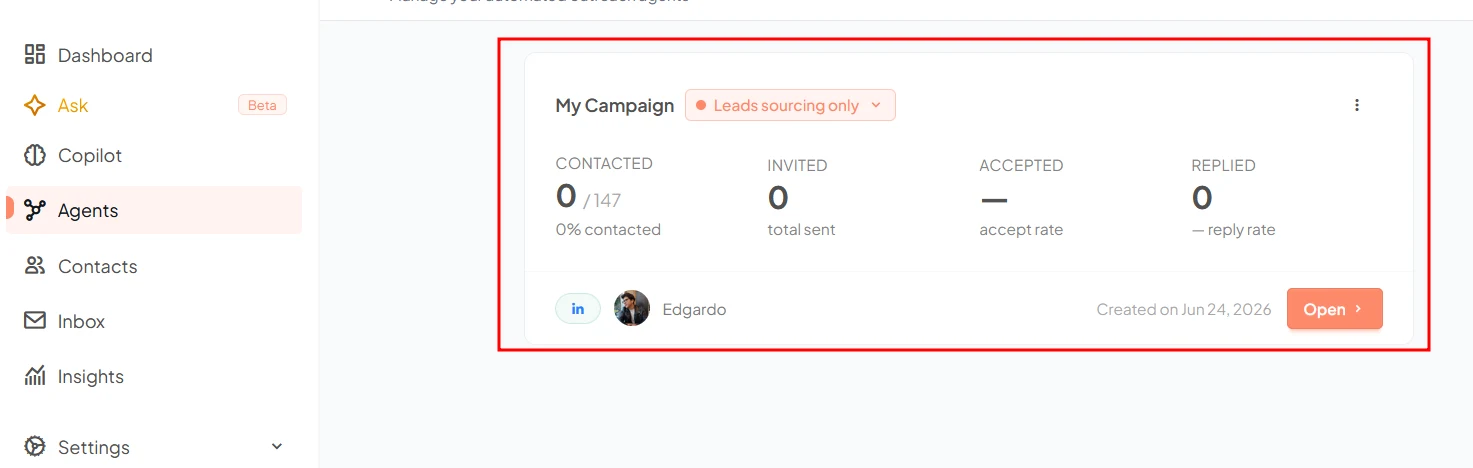
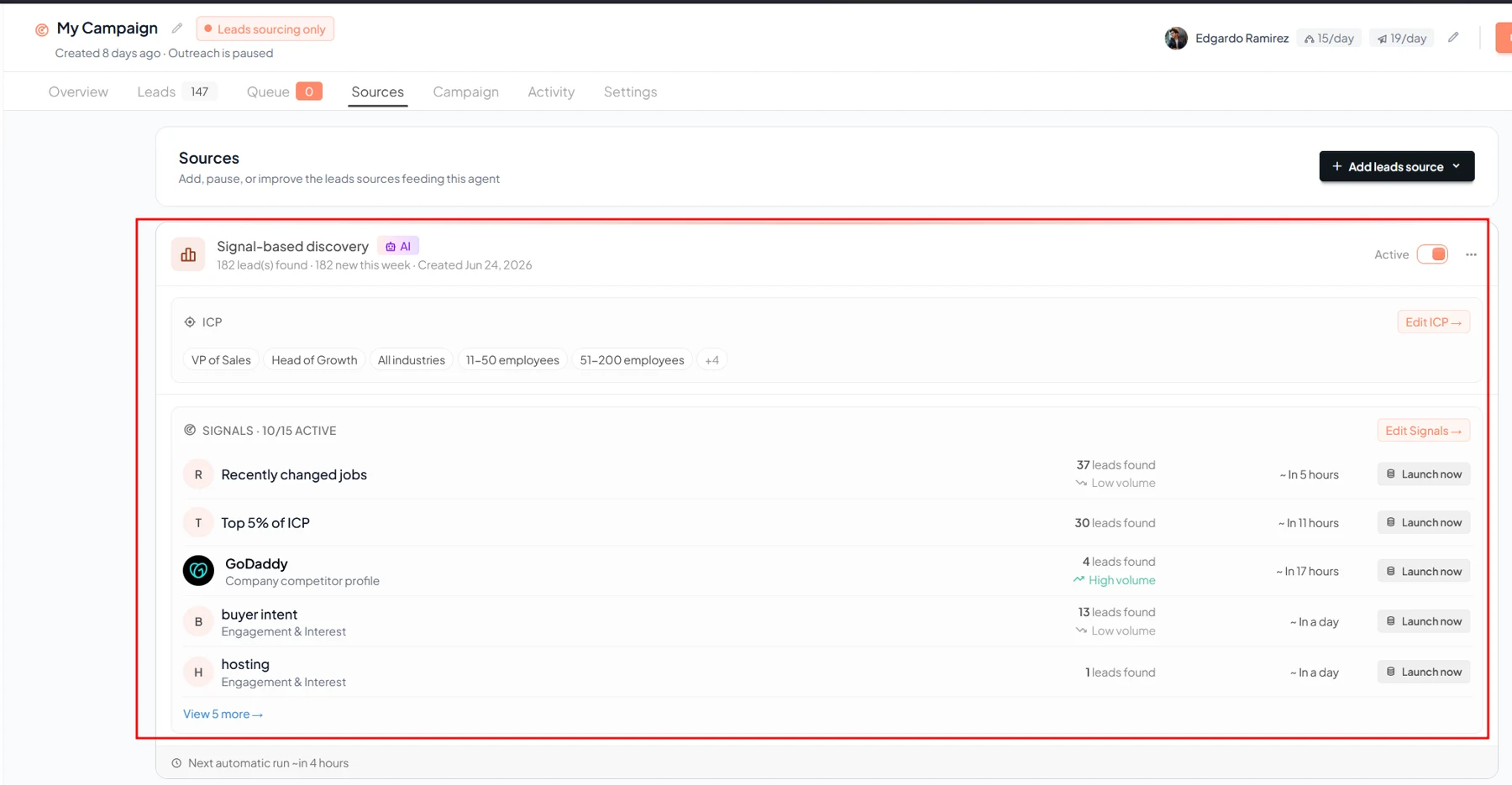
Start by defining an ideal customer profile and a useful signal, then review the resulting prospects before enabling outreach. Gojiberry’s documented workflow moves from signal monitoring to leads and campaigns. Keep sender access, message review and stopping conditions explicit; a signal is a reason to investigate, not proof of buying intent.
How-to guide
Oct 24, 2026
Use buying signals to prioritize research, then combine them with business fit and a recent verifiable source. Score the account separately from the contact, record why the signal matters and send the highest-priority cases to review. A signal is evidence of activity, not a confirmed purchase decision.
How-to guide
Oct 24, 2026
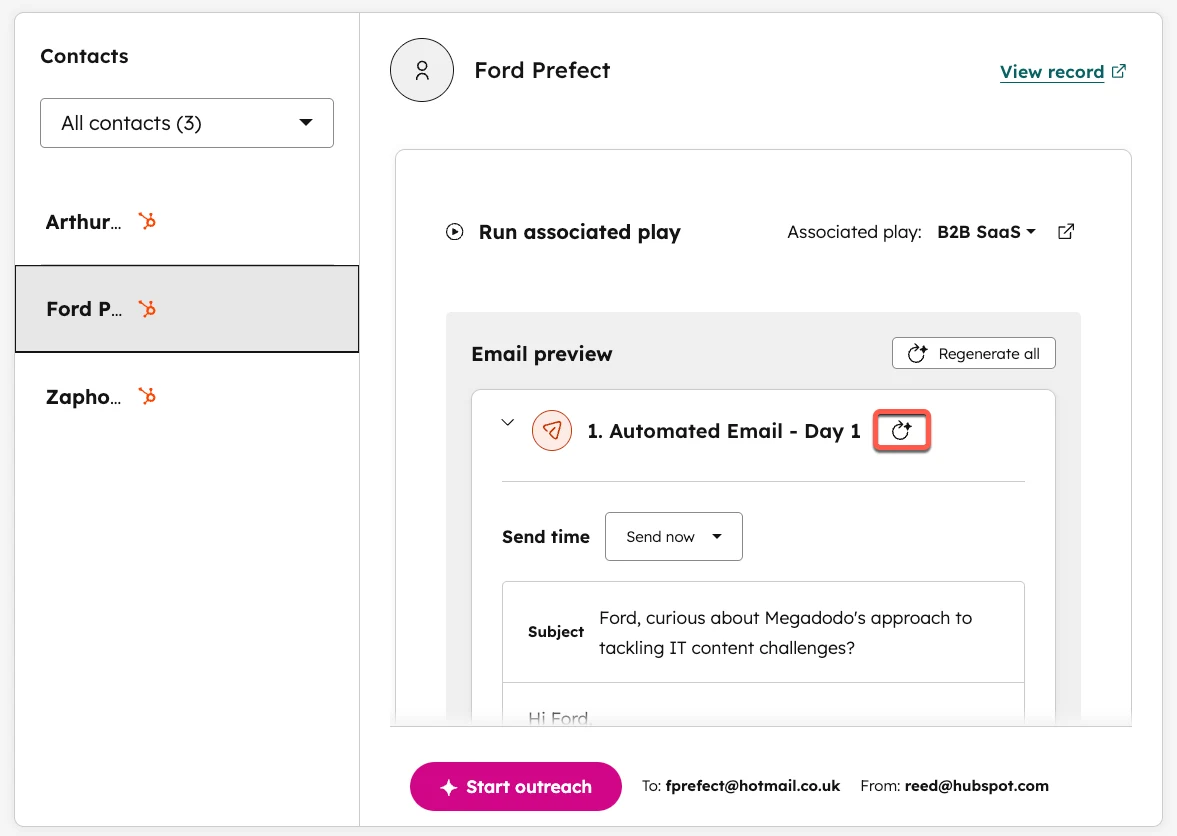
Review an AI follow-up in this order: confirm the recipient and relationship, verify every personalized claim, inspect the proposed next step and check the stop rules. Keep the final approved message in the CRM. Automation should not turn a research hint into a claim the recipient never made.
How-to guide
Oct 24, 2026
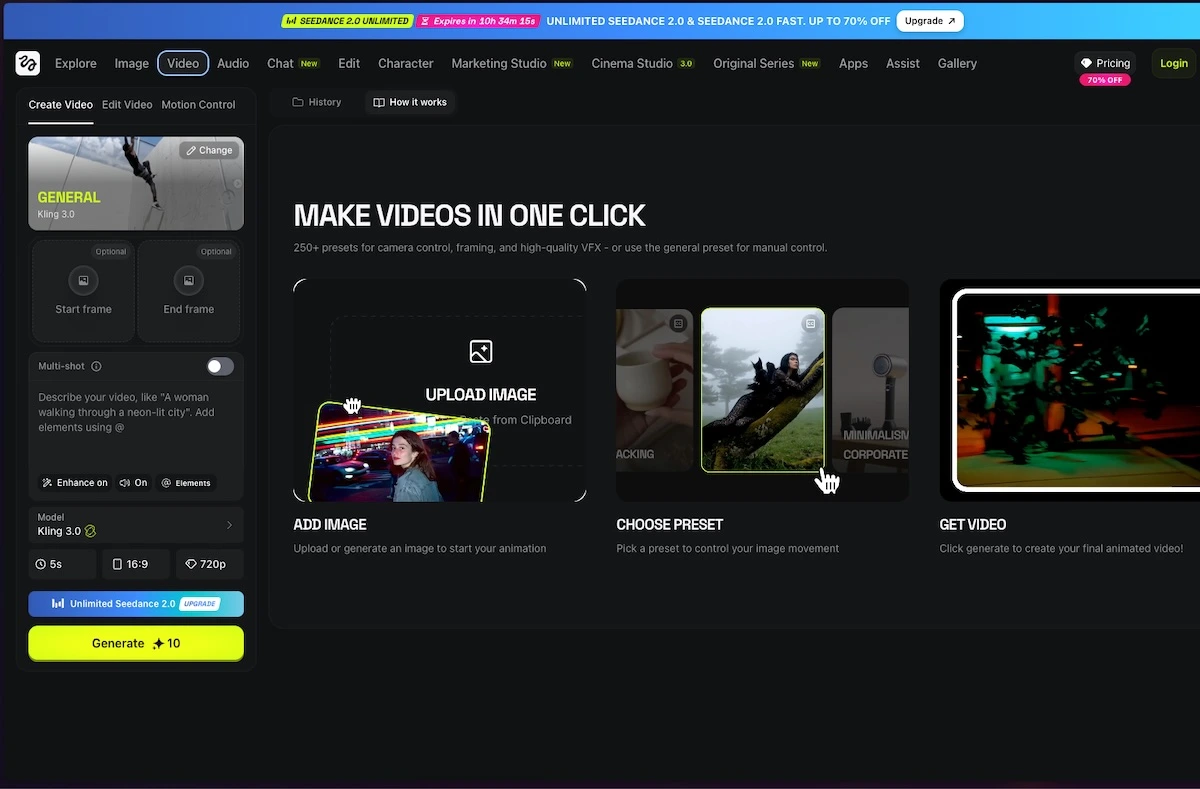
Use an image-to-video workflow, upload a clean reference, describe one subject movement and one camera movement, then generate a short clip. Inspect the result for changed faces, hands, text and product details before adding it to an edit. Start with modest motion when consistency matters.
How-to guide
Oct 25, 2026
Start with accurate product photos and a three-shot storyboard: identify the product, show one useful detail and end with a clear next step. Generate short motion clips from those references, then add exact branding, text and audio in an editor. Inspect every shot for invented features or altered packaging.
How-to guide
Oct 25, 2026
Keep the original, compare actual byte sizes and stop processing the larger copy. Preview’s filter can produce an unhelpful result; use a new candidate from the original, a better source scan, an accepted split or a more configurable compressor.
How-to guide
Oct 25, 2026
Start on a device where the PDF still opens. Confirm it is a stored attachment, check upload and storage errors, then check the iPad download. Reference data and PDF files sync separately; resetting the library is not the first fix.
How-to guide
Oct 25, 2026
Use Preview’s thumbnail sidebar to assemble and rearrange PDF pages. Duplicate the originals first, then verify the saved packet. Page operations can replace a simple merger or splitter; they do not turn Preview into a full content editor.
How-to guide
Oct 25, 2026
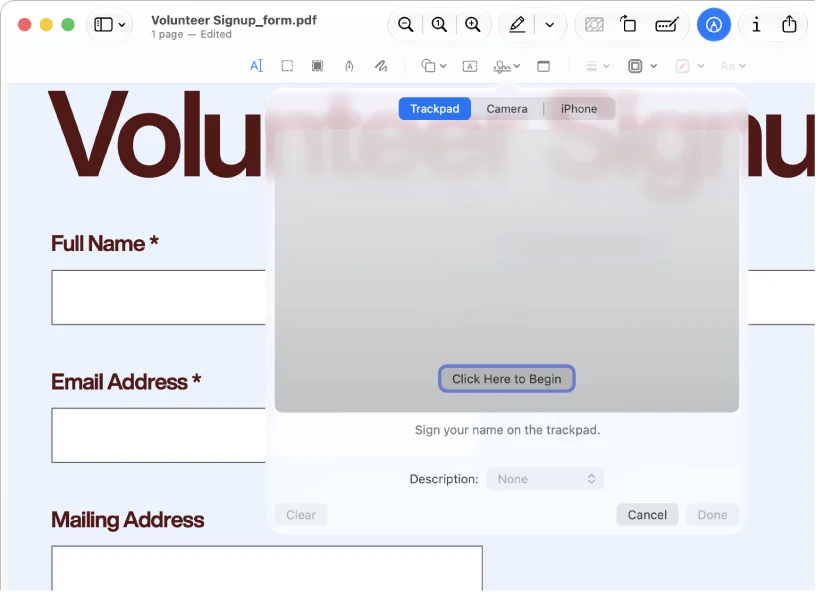
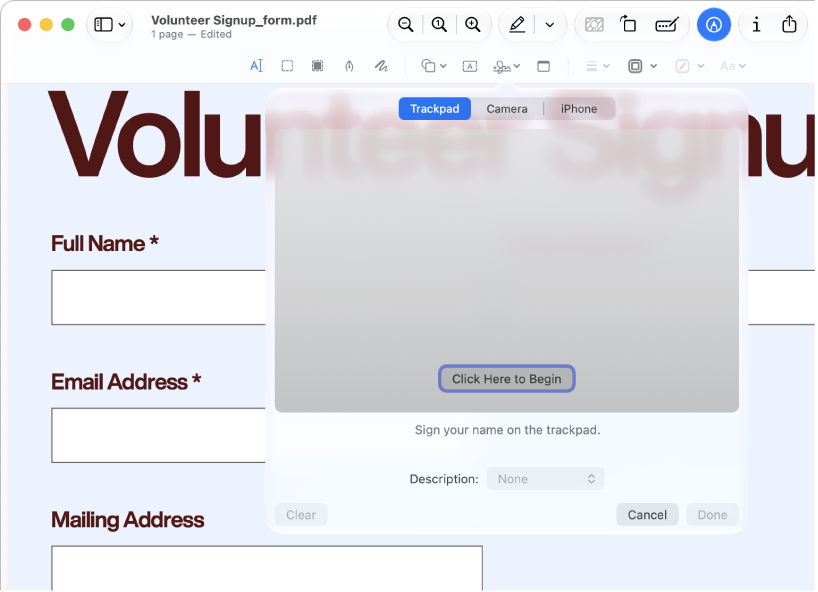
Preview can fill supported form fields, place text boxes and visible signatures, and add reading annotations. It cannot edit the existing body text of a PDF. Keep an editable working copy and inspect the saved result in the viewer the recipient uses.
How-to guide
Oct 25, 2026
Use Preview for basic image geometry, format conversion, simple markups and supported background removal. Decide the required pixels, transparency and output format first. Move to a dedicated editor for layers, precise masks, restoration or complex design.
How-to guide
Oct 25, 2026
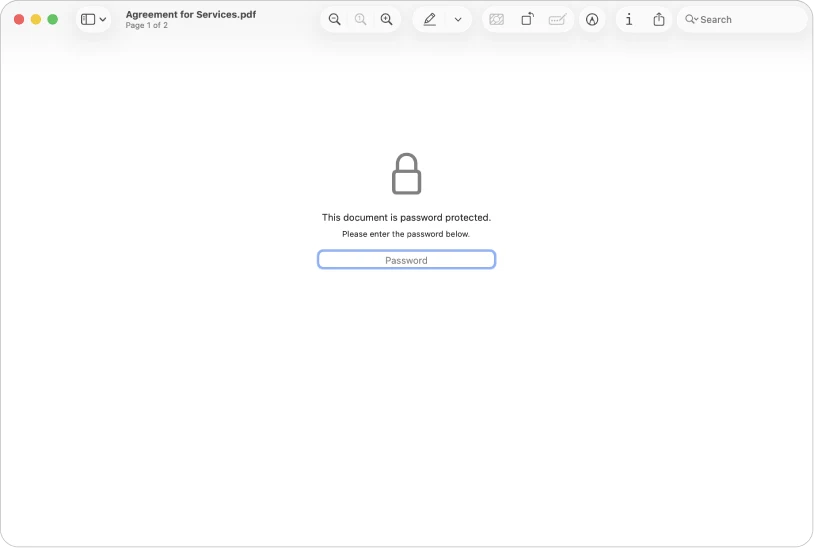
Use the actual Redaction Selection tool for supported text removal, not a black rectangle or crop. Use PDF password settings when the recipient needs restricted opening. Verify the saved copy; Preview is not a complete document-sanitation or managed-signing system.
How-to guide
Oct 25, 2026
Search an existing text PDF with Preview’s Find controls and use Live Text for supported images. If you need a persistent searchable scan, batch recognition or layout-preserving Word conversion, verify that exact output or use a dedicated OCR/conversion tool.
How-to guide
Oct 25, 2026
Preview can print selected pages, arrange pages on a sheet and export supported files. It can also work with supported scan/import routes. Decide whether you need a physical print, a flattened viewing copy or a reusable source before choosing the command.
How-to guide
Oct 25, 2026
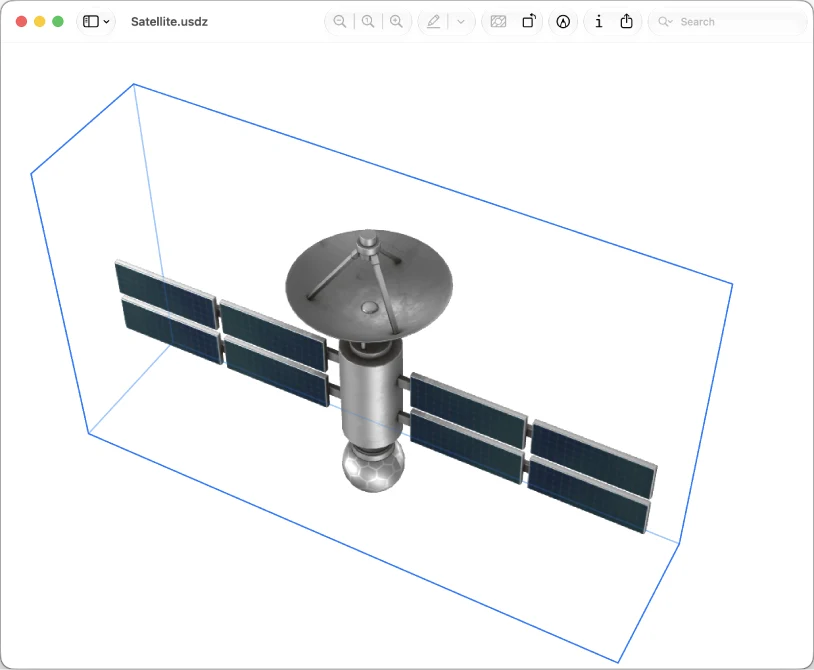
Preview is useful for inspecting file information, recovering available document versions, processing a small selected image set and viewing supported 3D files on current systems. None of those features turns it into a full archive, automation engine or 3D authoring suite.
How-to guide
Oct 25, 2026
Try Preview first for reading, page assembly, basic markup, visible signatures, supported image conversion and simple cutouts. Install another tool when the requirement is original-content editing, dependable OCR output, specialized signing, library management, advanced design or repeatable production work.
How-to guide
Oct 25, 2026
Preview is more than a file viewer. Start here for everyday PDF and image work, then use the task chapters for the exact workflow. Install another app when the job needs capabilities such as original PDF-content editing, controlled OCR output, advanced design or managed document workflows.
Step-by-step guide
How-to guide
Oct 28, 2026
Explore 224 recommended apps across 92 everyday tasks and 16 domains. Every task includes 3–5 recommendations. Open an app profile for product introductions, platform information and official links.