AI Photo and Video Tools: Choose by Portraits, Motion and Product Ads
Choose between effects, directed motion and a broader creative workflow before comparing model names.
The short answer
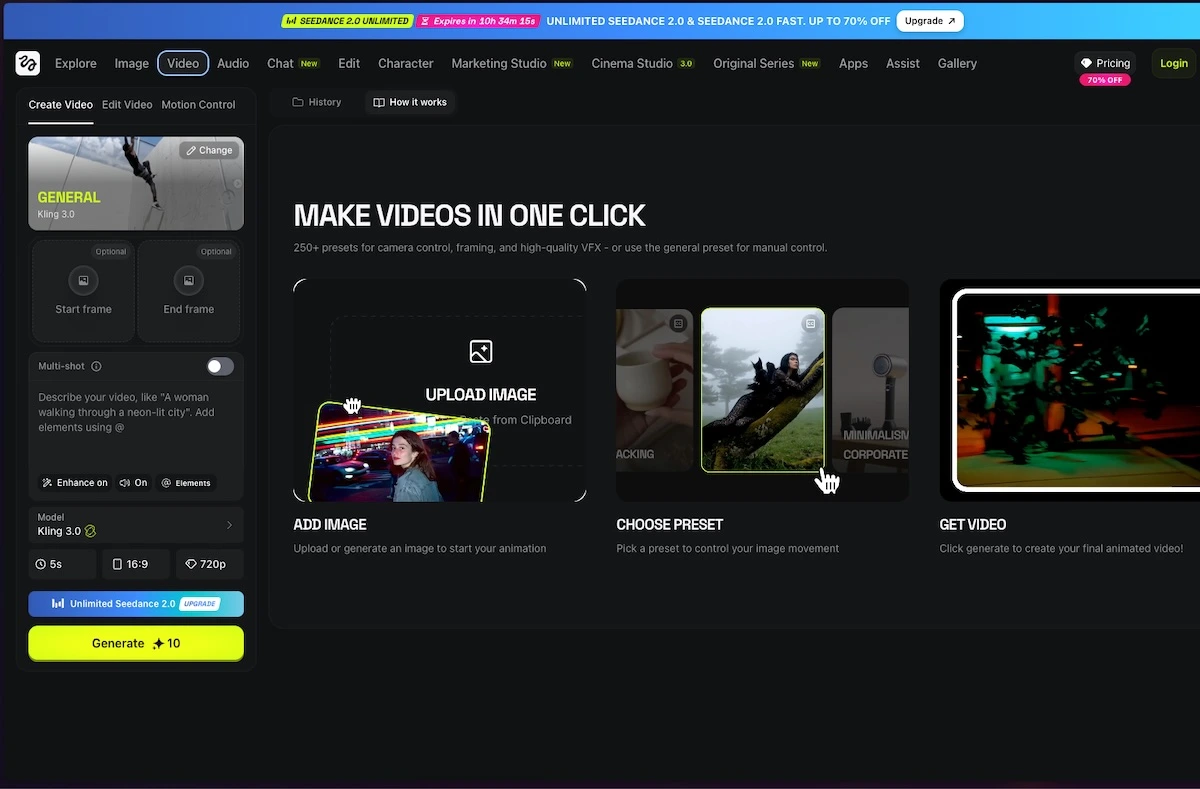
Shortlist Higgsfield for its catalog of creative effects and production tools, and Swagga.ai for its photo-to-video, motion-reference and portrait-oriented workflows. Start with the output you need, then check export access and usage costs. These are web-tool recommendations; Higgsfield’s official guide says it has no native mobile or desktop app.
Side by side
| Your situation | Useful route | Check before choosing |
|---|---|---|
| An effect-led short clip | Higgsfield catalog | Specific effect and export entitlement |
| Reference-driven motion | Swagga.ai shortlist | Source quality and identity consistency |
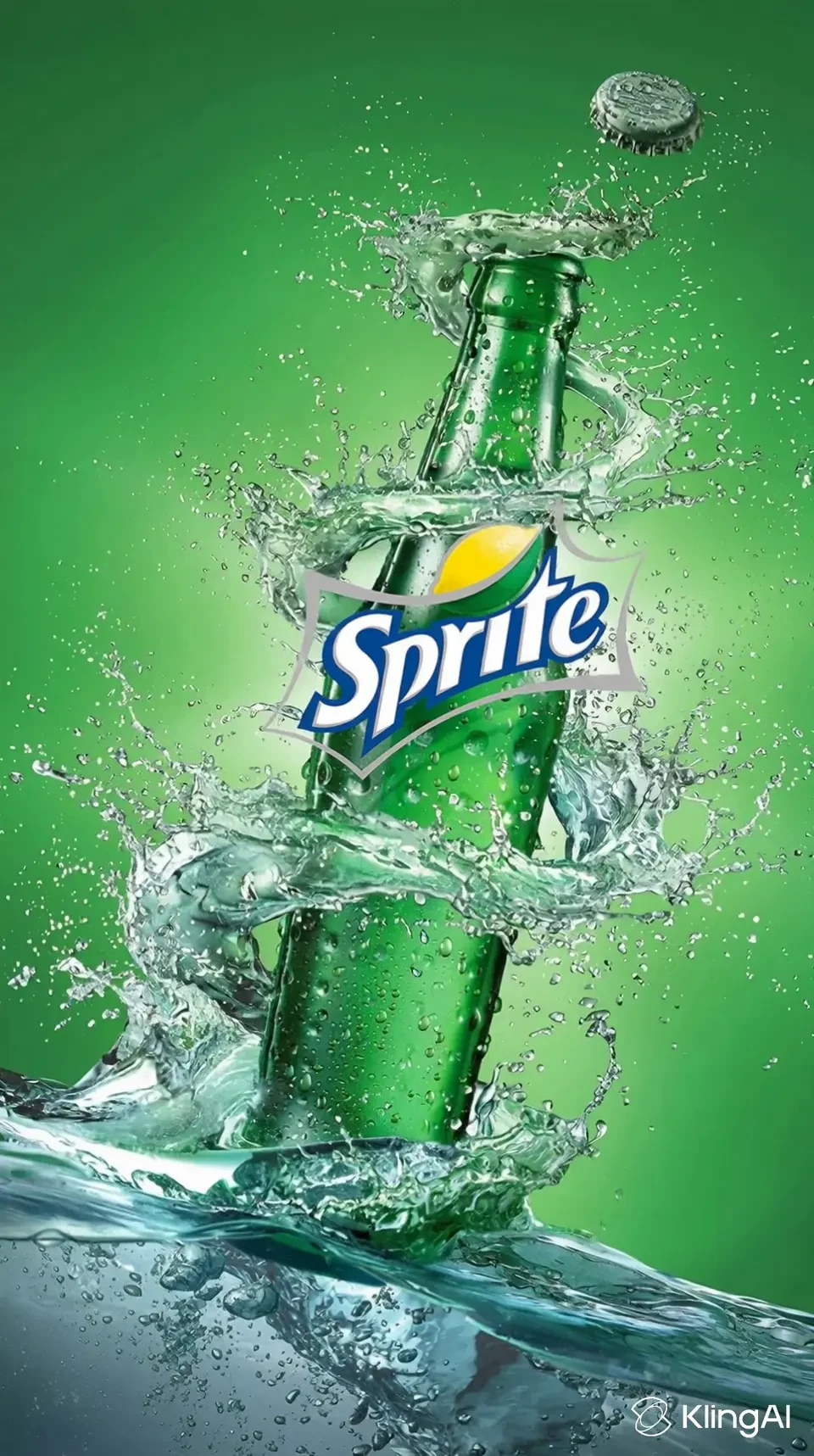
| Exact product text | Add text in a conventional editor | Inspect labels and packaging in every shot |
Choose the output before the generator
A portrait, a product advertisement and a cinematic transition need different controls. For a portrait, identity and facial consistency matter. For a product clip, labels, proportions and packaging must remain credible. For a transition, the relationship between the first and last shot matters more than a long feature list.
Write a simple production brief: source image, intended movement, aspect ratio, duration and destination. Decide which details must remain unchanged. This gives you a basis for choosing a tool and helps prevent unnecessary generations that look attractive but cannot be used in the final piece.
Higgsfield: effects and production building blocks
Higgsfield’s catalogue offers effect- and production-oriented routes such as shots, transitions and advertising treatments. Pick the named workflow that accepts the required source input before choosing a model. A transition between two shots and animation of one photo are different input problems.
The current official-platform guide says there is no native mobile or desktop app for the creative platform; use the browser site. The guide also lists official API/MCP surfaces and extensions linked from Higgsfield. “No native app” should not be confused with “no official integrations.”
Swagga.ai: directed movement and identity-oriented scenes
Swagga.ai’s public studio page highlights motion control, identity preservation, cinematic portraits and product reveals. These descriptions make it a relevant shortlist for animating an existing image or building a scene around a reference. They do not establish that every generation will preserve a face, garment or product perfectly.
Use a clear source image and describe one movement at a time. If the important feature is a product label, keep the motion modest and inspect the label throughout the clip. If the important feature is expression, judge the face rather than letting a dramatic background distract from errors.
Swagga.ai: photo and video studio
Image source and original context
Plan the edit and the export together
A generated clip is usually one part of a finished piece. Plan where text, a logo, captions and sound will be added. Important wording is often easier to control in a conventional editor than inside a generated scene. Keep a clean source copy and save the chosen generation separately from later edits.
Before spending credits on variations, confirm the export format, dimensions, watermark rules and the feature entitlement for the selected model. A free preview does not necessarily include a usable download. A paid subscription also does not imply that every model has identical limits.
Pick one of three production briefs
Portrait: keep a face recognizable during one modest expression change. Product clip: preserve a label and visible geometry during a slow push-in. Transition: define how one existing shot should lead into the next. The first two need a stable reference; the third needs a relationship between shots.
Start from the matching motion, product or effect workflow. If exact lettering or a logo must be stable, plan to composite it in the finishing editor rather than relying on generated text.
Limitations & considerations
- Check current access and purchase terms for your country and account before paying.
Use the linked official pages for current platform, access and purchase conditions.
Sources & scope
Reviewed October 24, 2026. Product facts follow the linked provider documentation. Selection advice and example prompts are iApp4Me editorial guidance. Screenshots and provider examples are credited beside each image. Availability and plan terms are dated October 24, 2026.
- Higgsfield: creator tools
Official catalog of creative workflows.
- Higgsfield: official platforms
Official browser platform, account requirements and mobile-app clarification.
- Swagga.ai: photo and video studio
Official product identity and creative workflow descriptions.
- Higgsfield: pricing
Live plan entry point; account offers and model access can vary.
- Swagga.ai: pricing
Official pricing entry point; public extraction did not expose a full entitlement table.
- Higgsfield: free-account and paid-plan watermark rules
Free accounts add a visible watermark; paid plans apply to new generations, not retroactive removal.
No comments yet. Be the first to share your experience.