How-to guide
Oct 25, 2026
Start with accurate product photos and a three-shot storyboard: identify the product, show one useful detail and end with a clear next step. Generate short motion clips from those references, then add exact branding, text and audio in an editor. Inspect every shot for invented features or altered packaging.
Best apps
Oct 25, 2026
Movoa and LoreMotion publish free watermark-free generation offers, with different limits and conditions. Higgsfield free accounts add a visible watermark. Pika’s current Free account has no monthly credits, so a clean export policy alone does not establish free generation.
Best apps
Oct 24, 2026
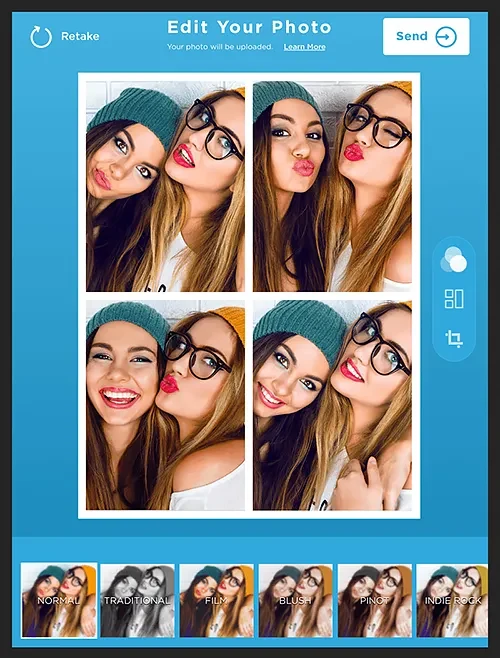
Shortlist Simple Booth HALO for a branded iPad event workflow and Booth.Events when its capture, offline and printing options match your hardware. Consider Simple Booth Classic for a simpler personal-event route. Choose by the whole guest journey, then verify the license, printer and delivery requirements for your event.
How-to guide
Oct 24, 2026
Mount the iPad securely, face it toward even light, configure a short capture sequence and choose a delivery method before guests arrive. Use a real sample capture to check framing, layout and the final print or download. Prepare a digital fallback if the printer or connection fails.
Best apps
Oct 24, 2026
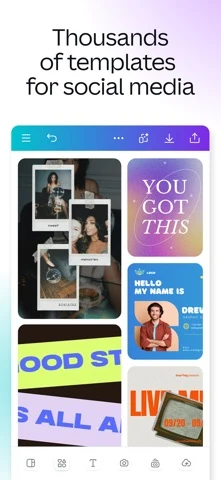
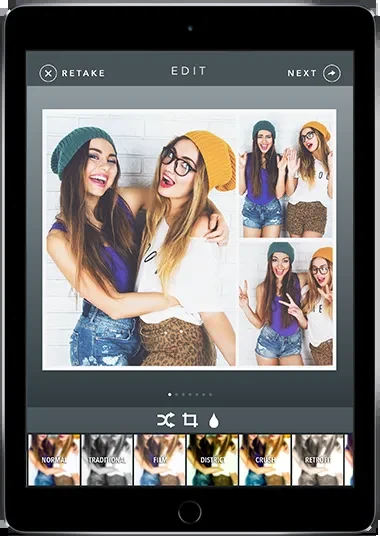
Use Apple Shortcuts for a simple repeatable image combination, or Canva for a designed collage using your own photos and eligible free elements. Check the export before investing in a complex template. Free collage creation does not automatically include every premium asset, background-removal feature or export option.
How-to guide
Oct 24, 2026
For a simple collage, create a shortcut with Select Photos, enable multiple selection, add Combine Images with the arrangement you want, then add Save to Photo Album. Run it on a few photos and inspect the saved result. Use a design editor such as Canva when you need captions or more flexible layout.
Best apps
Oct 24, 2026
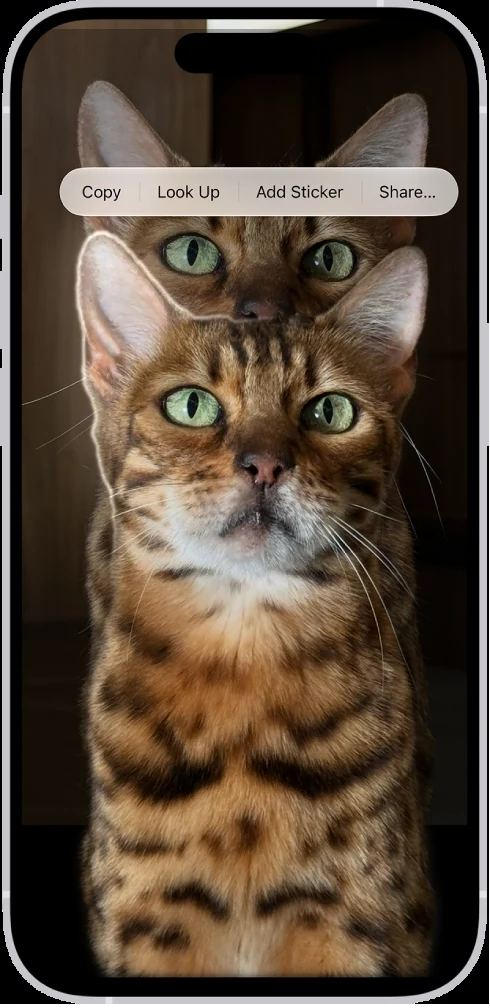
On a supported iPhone, try Apple subject lifting for a quick cutout. For a downloadable transparent PNG, Adobe Firefly offers free background removal with an Adobe account and a daily allowance. Canva’s dedicated remover also offers limited free high-resolution downloads; unlimited downloads require a paid plan. Check the actual saved edges and dimensions before choosing a batch workflow.
How-to guide
Oct 24, 2026
Open a suitable photo full screen, touch and hold its subject, then use the available Copy or Share action. Send the cutout to an app or file workflow that preserves transparency. Open the saved result on a contrasting background; a white preview alone does not establish whether the background is transparent.
How-to guide
Oct 24, 2026
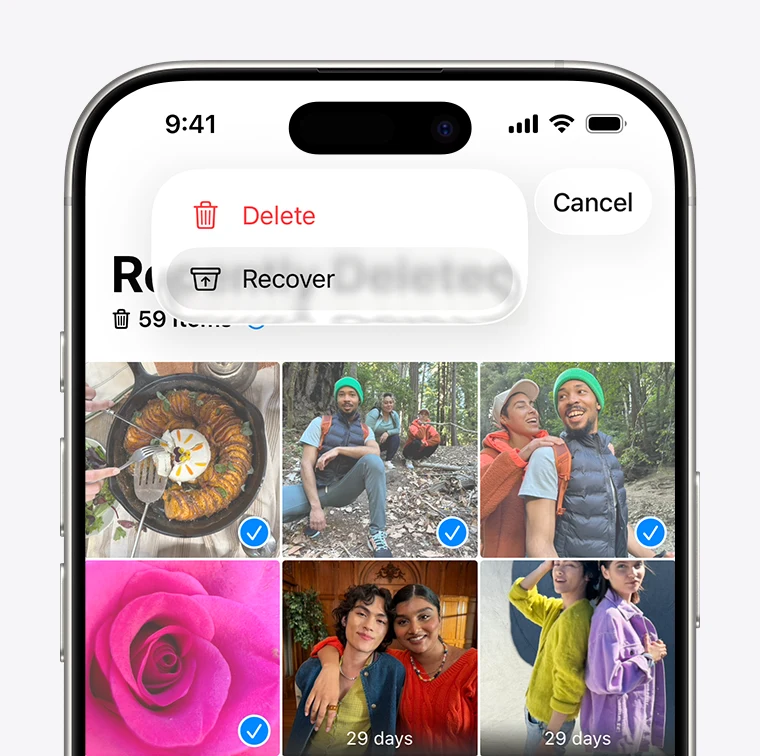
Photo recovery works when an original or usable copy still exists in Recently Deleted, a cloud account, a backup or another storage location. An app’s preview is not proof that it can restore the full original. Start with the phone and cloud service’s own recovery routes before paying for a recovery claim.
Best apps
Oct 24, 2026
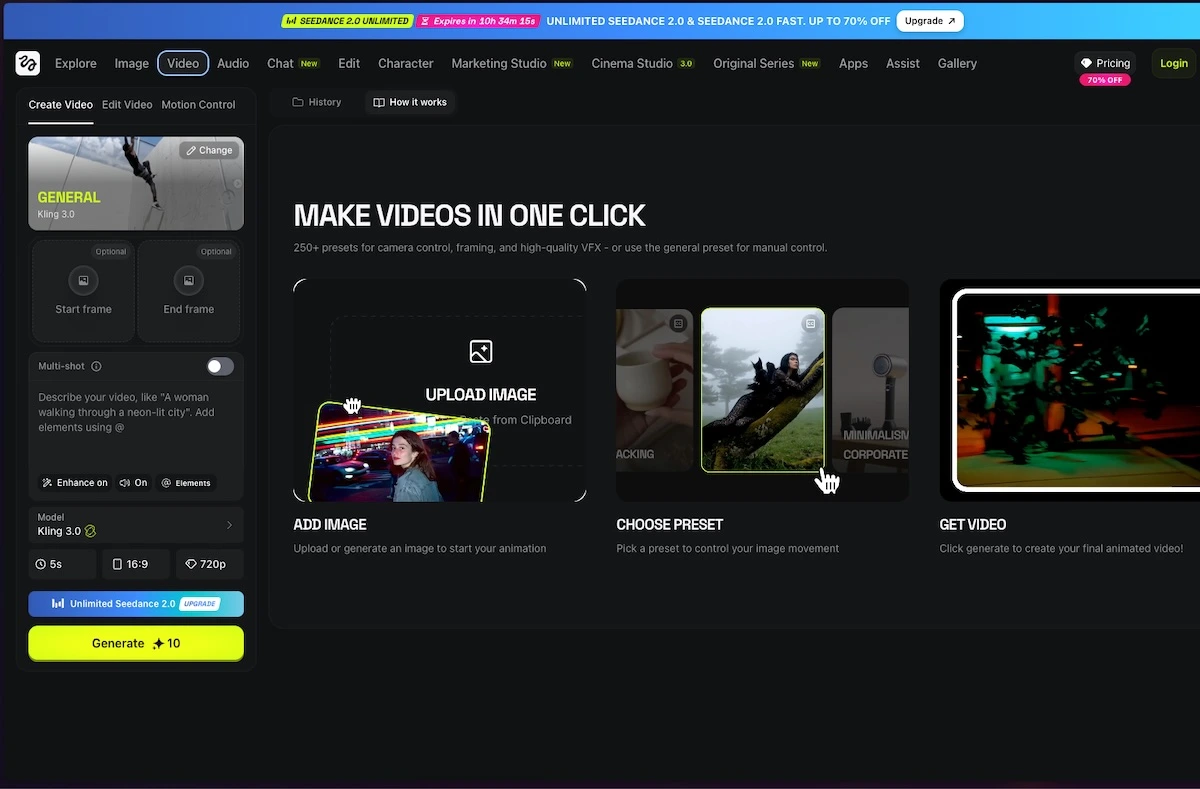
Shortlist Higgsfield for its catalog of creative effects and production tools, and Swagga.ai for its photo-to-video, motion-reference and portrait-oriented workflows. Start with the output you need, then check export access and usage costs. These are web-tool recommendations; Higgsfield’s official guide says it has no native mobile or desktop app.
App comparison
Oct 24, 2026
Choose Higgsfield when a specific effect or production workflow in its catalog matches the brief. Consider Swagga.ai when motion references, identity-oriented scenes or a quick product reveal are central. Compare the same source, intended movement and export requirement; there is no evidence here for a universal quality winner.
How-to guide
Oct 24, 2026
Use an image-to-video workflow, upload a clean reference, describe one subject movement and one camera movement, then generate a short clip. Inspect the result for changed faces, hands, text and product details before adding it to an edit. Start with modest motion when consistency matters.
 LumaFold: Screen Light